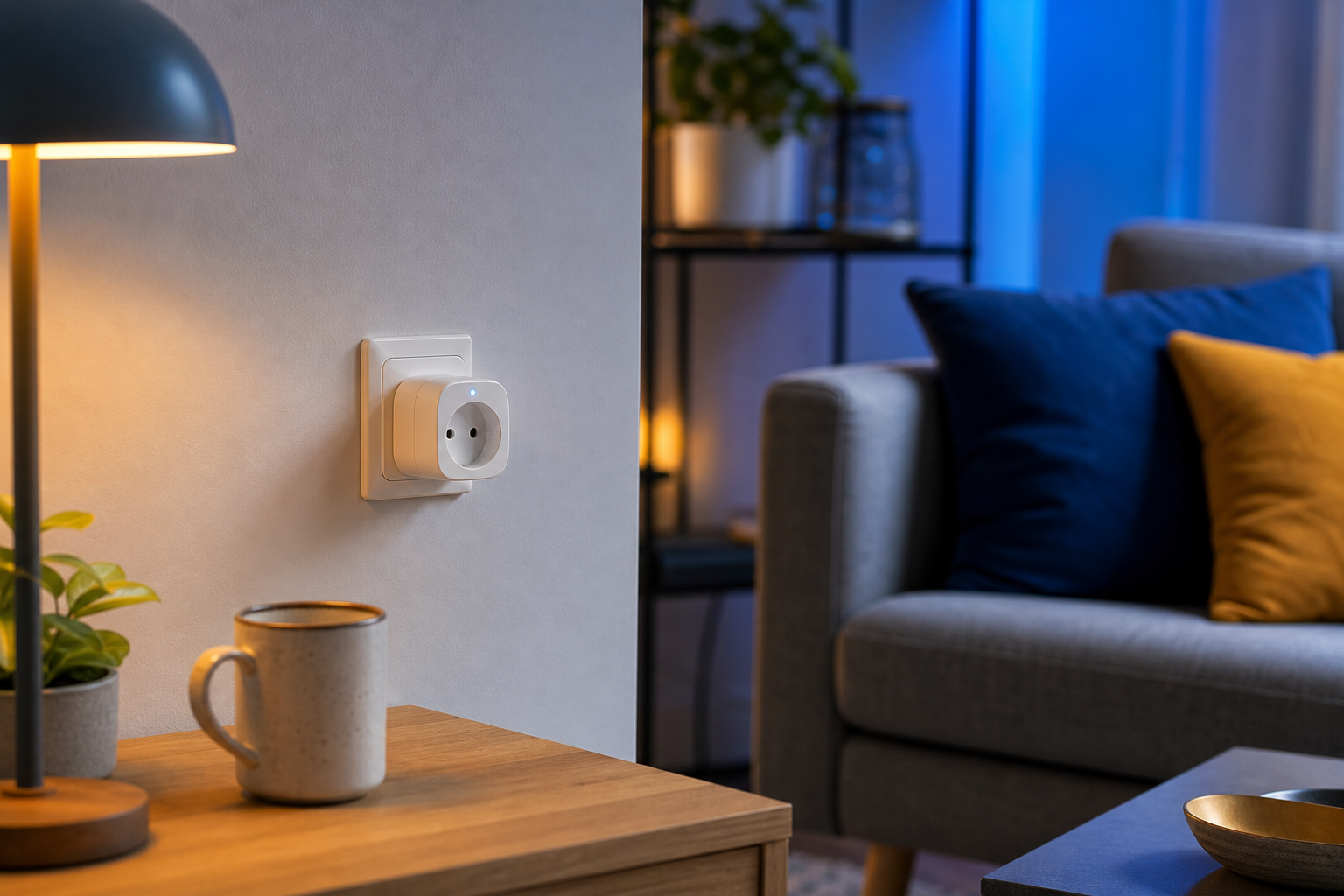
Smart Outlets — How Do They Work, and Which Ones Should You Choose for Your Smart Home?
You're standing in a store or scrolling through another marketplace listing, holding two smart plugs in your hand. One is cheap, and on first startup it makes you create an account and log in to a foreign cloud. The other promises to work locally, on hardware that belongs to you. The first one works beautifully on day one — and turns into a dead piece of plastic the day the manufacturer's server stops responding, the Wi-Fi goes down, or the brand discontinues the entire product line after two years. This is a real scenario, not a hypothesis. Most app-based plugs force registration, send patterns of your behavior — your presence at home, your energy habits — to remote servers, and stop responding entirely during an internet outage. After a power failure or router restart, they often need to be paired all over again.
So the real question isn't "should I buy a smart plug," but "which plug won't sell off my privacy and won't quietly die in two years." There's an entire category of hardware that works fully offline, on hardware you own outright. Well-chosen local smart plugs separate a one-off gadget from lasting home infrastructure. This article shows you how to recognize them, which protocol to choose, and what to avoid before you spend any money.
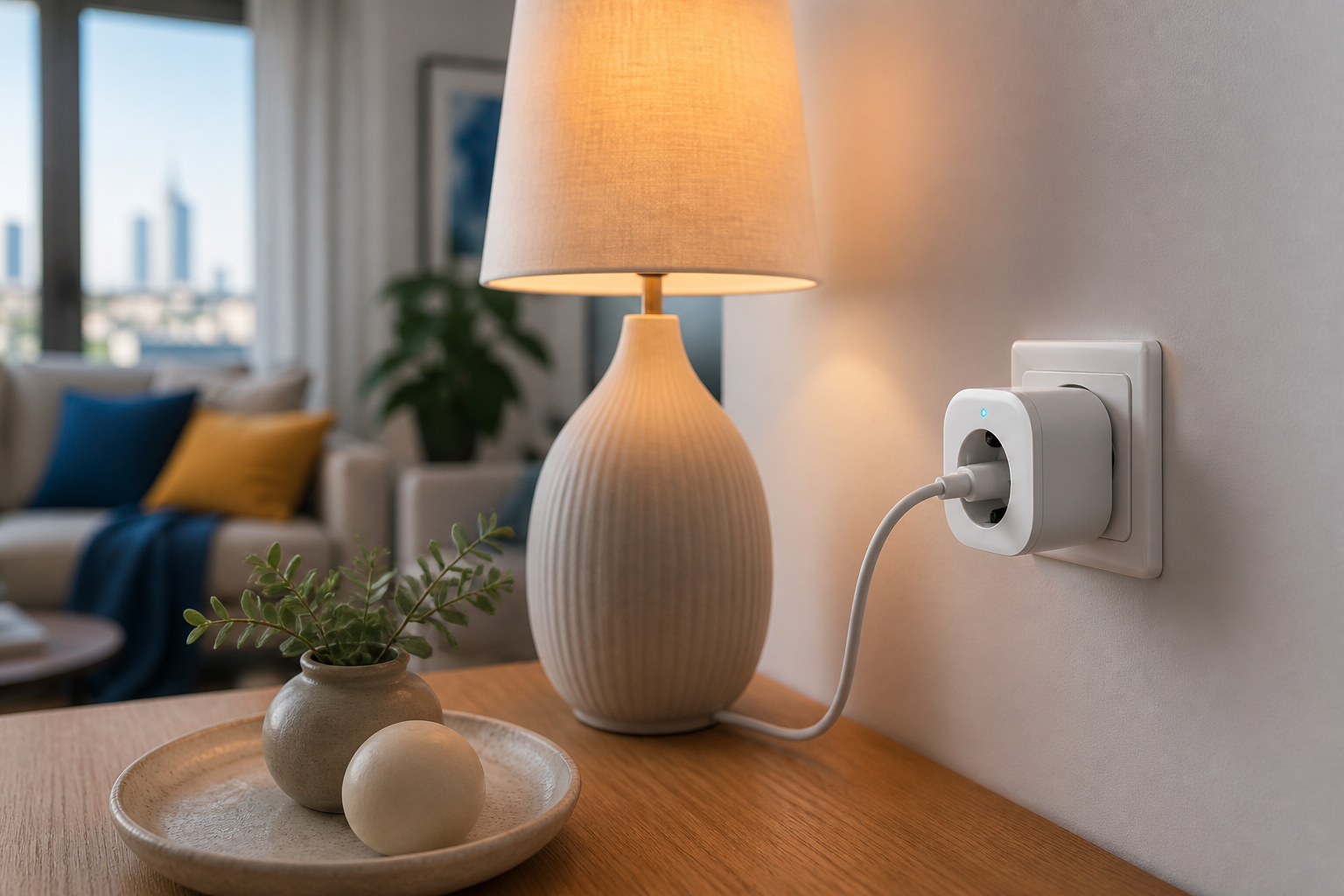
Table of Contents
- How a smart plug really works (and where the catch is hidden)
- Wi-Fi, Zigbee, Z-Wave, or Matter? Which protocol to choose
- Smart plugs that work without the cloud and without a subscription
- What to avoid: the traps of cheap app-based plugs
- Plugs as the foundation of local automation in Home Assistant
- How to choose and deploy smart plugs at home
- FAQ — frequently asked questions
How a smart plug really works (and where the catch is hidden)
Every smart plug contains four elements. The first is a relay or solid-state module that physically closes and opens the circuit powering the device. The second — on better models — is a power-metering chip that measures voltage, current, and energy consumed. The third is the radio: Wi-Fi, Zigbee, Z-Wave, or Thread. The fourth is the firmware, the software that decides what to do with a received command. Relays in consumer plugs are typically rated for on the order of 10,000–100,000 mechanical switching cycles at rated load (according to datasheets from relay manufacturers, including Omron and Songle) — this matters if you plan automations that switch the plug many times a day.
This is where the distinction that underpins this entire text begins: cloud versus local control — the question of where the decision to switch is made. In a cloud-based Wi-Fi plug, pressing "on" in the app sends the command to the manufacturer's server (often abroad), which only then sends it back to the plug. In a plug controlled locally and paired with a hub, the command never leaves your home network. Off-the-shelf Wi-Fi plugs usually send every state change to the manufacturer's cloud first, whereas Zigbee/Z-Wave devices paired with a local hub run automations on the spot (source: SmartThings Community / Home Assistant documentation; Aqara Forum).
That's why a cloud plug is a single point of failure in four dimensions. First, a server outage — the plug appears "dead" until the connection returns (source: Aqara Forum). Second, re-pairing after a failure — cloud Wi-Fi plugs often require manual reconnection or re-pairing in the app after an internet or power outage (source: Whizz Experts; video tutorial). Third, a brand shutdown — cloud-dependent hardware can stop working entirely when the manufacturer abandons support; Bruce Schneier describes IoT devices as "computers with threats attached" that lose functionality or security when the manufacturer disappears (source: Schneier on Security blog / "Click Here to Kill Everybody"). Fourth, a data leak — connected devices send detailed usage patterns to remote servers, including presence and energy consumption, which may qualify as personal data under the GDPR (source: CNIL guidance on IoT and GDPR; European Data Protection Supervisor). Mozilla's Privacy Not Included project has repeatedly flagged plugs that simply don't work at all without a cloud account and continuous telemetry (source: Mozilla Foundation, Privacy Not Included).
There's also the responsiveness argument. Locally controlled devices can be just as fast as, or faster than, their cloud counterparts, because commands don't have to travel across the WAN and back (source: Hubitat Community). Fewer miles to cover, less latency.
A smart plug that needs the internet to turn on a lamp isn't automation — it's a subscription to someone else's server.
Which radio protocol you choose decides whether offline operation is even possible. And this is the decision everything else depends on.
Wi-Fi, Zigbee, Z-Wave, or Matter? Which protocol to choose for local plugs
| Feature | Zigbee | Z-Wave | Wi-Fi | Matter-over-Thread |
|---|---|---|---|---|
| Band | 2.4 GHz | ~868 MHz (EU) | 2.4/5 GHz | 2.4 GHz (Thread) |
| Topology | Mesh | Mesh | Star (router) | Mesh |
| Local control | Yes (via hub) | Yes (via hub) | Only with local firmware | Yes (LAN/Thread) |
| Burdens home Wi-Fi | No | No | Yes (separate IP) | Minimally |
| Max. nodes | Tens of thousands | 232 | Router DHCP limit | Large mesh |
| Home Assistant compatibility | High (ZHA) | High (Z-Wave JS) | Firmware-dependent | Growing, incomplete |
| Maturity | Mature | Mature | Mature | Early |
Zigbee is based on IEEE 802.15.4 and operates in the 2.4 GHz band as a low-energy mesh in which a single network can handle tens of thousands of nodes; mains-powered plugs act as mesh routers and boost connectivity for other devices (source: Connectivity Standards Alliance — Zigbee). Z-Wave uses the sub-GHz band (around 868 MHz in Europe), supports up to 232 nodes per network, penetrates walls better, generates less interference in the crowded 2.4 GHz band, and requires mandatory certification ensuring interoperability between devices from different brands (source: Z-Wave Alliance). Wi-Fi is the IEEE 802.11n/ac/ax standard — most plugs work only on 2.4 GHz, sharing the band with phones and laptops, and each device needs its own IP address and usually connects to the cloud unless you flash local firmware (source: Wi-Fi Alliance). Matter-over-Thread combines two things: Thread is a low-energy, self-healing mesh based on IPv6 and 802.15.4, bridged through a border router (source: Thread Group), and Matter is an application layer providing interoperability and local control over the LAN without the manufacturer's cloud (source: Connectivity Standards Alliance — Matter).
Why do Zigbee and Z-Wave mesh beat Wi-Fi in homes with many plugs? Both protocols take traffic off your router because they communicate over a dedicated mesh network and don't occupy a separate IP lease. When a dozen plugs each demand an address, a cheap home router quickly hits the wall of an exhausted DHCP pool. Users planning many plugs are directly advised to choose Zigbee, Z-Wave, or Lutron instead of Wi-Fi (source: r/homeautomation).
Where does Matter really stand today? The standard is promising for local plugs, but early deployments show inconsistent behavior across devices from different manufacturers, incomplete support for advanced features, and clunky pairing processes (source: The Verge / The Ambient / Home Assistant community opinions). It's technology worth watching, not the one you'd build critical automation on today.
Also watch out for the trap of Wi-Fi plugs that look local but still phone home to the manufacturer. Only flashed custom firmware or Matter guarantees a LAN-only path. If you go with a local mesh, stick to the rule of thumb when designing your network: at least one mains-powered node (a plug or an in-wall module) roughly every 5–10 meters or every few rooms, to avoid dead zones (source: Connectivity Standards Alliance / Z-Wave Alliance). While you're at it, it's worth thinking through your choice of local hub platform — a decision that will determine how the entire system operates.
Smart plugs that work without the cloud and without a subscription
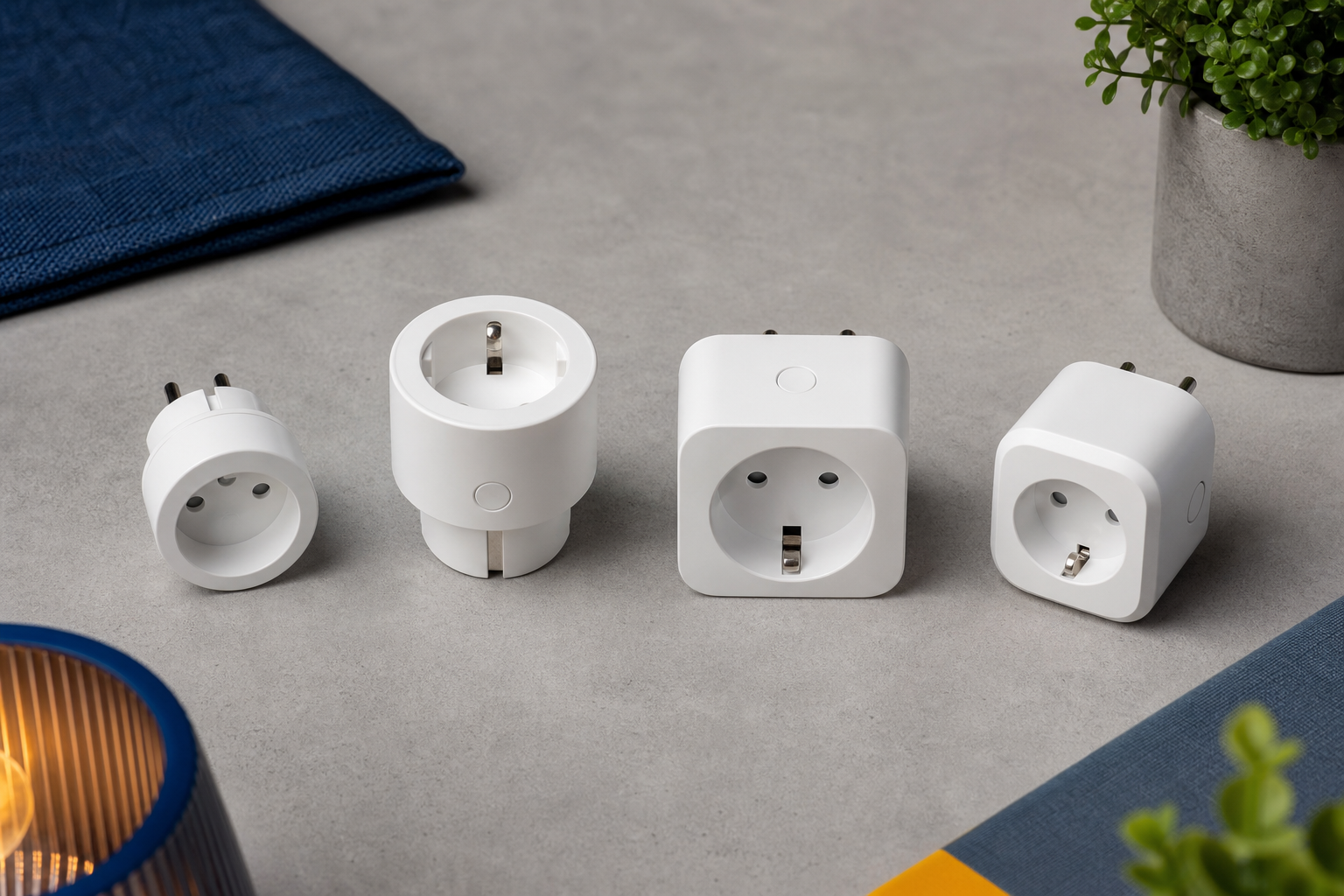
Zigbee plugs — for most homes and apartments seeking locality without compromise. Paired with a hub, they work fully locally, without a manufacturer account, and a mains-powered plug additionally acts as a mesh router, extending range for other devices (source: Connectivity Standards Alliance — Zigbee). This is the most sensible default choice for an apartment owner who puts privacy first. The value-to-price ratio here is the best of the whole lineup.
Z-Wave plugs — for homes where reliability and wall penetration matter. A higher price, but in return you get sub-GHz signal penetration, certified cross-brand interoperability, and less interference in the 2.4 GHz band (source: Z-Wave Alliance). This is the choice for a homeowner obsessed with reliability or a developer who specs durable infrastructure to last for years, not a single season.
Plugs with flashable firmware (Tasmota/ESPHome) — for tinkerers and renters who want to "localize" cheap Wi-Fi. Cheap Wi-Fi hardware becomes fully local after a firmware swap. Community ESP and Zigbee devices in Home Assistant measure standby draw "well below 1 W" (source: Home Assistant Community). This is an option for a technically savvy tenant who wants full control on a limited budget. If you're looking for specific plug models compatible with Home Assistant, start by verifying firmware support.
Matter-over-Thread plugs — for early adopters of the standard of the future. Local control over the LAN without the manufacturer's cloud and a self-healing Thread mesh (sources: Thread Group; CSA — Matter). Keep in mind, however, the rough edges of early deployments (source: The Verge / The Ambient / HA community). This is the choice for a forward-thinking person who consciously accepts the ecosystem's current immaturity.
Plugs with energy-consumption metering — for those controlling costs and hunting phantom load. A built-in metering chip shows real consumption. Smart plugs are often deployed precisely to control standby loads, which account for a few percent of a household's electricity use (source: U.S. Department of Energy; International Energy Agency). This is a plug for a buyer who wants to see the numbers before making decisions.
All five categories share one non-negotiable trait: they keep working without the internet and without a subscription. They're the ones that stay operational the day their cloud-based competition goes silent.
The best smart plug is the one that keeps working the day its manufacturer disappears from the market.
What to avoid: the traps of cheap app-based plugs
This is a list of warning signs you apply in practice — standing at the shelf or reading a product description in a store.
- Requires an account and email for basic operation. If the plug won't switch a lamp without registration, then your usage data is the actual product. Mozilla's Privacy Not Included directly flags devices that don't work without a cloud account and continuous telemetry (source: Mozilla Foundation).
- No offline mode / "local mode." Without local control, the plug appears dead during any internet outage (source: Aqara Forum).
- Need to re-pair after a power outage. Cloud Wi-Fi plugs often require manual reconnection after a power failure or router restart (source: Whizz Experts). Imagine doing this for twenty plugs after every summer storm.
- Closed ecosystem (manufacturer's app only). No open integration means no migration path. A "Works with Alexa/Google" sticker is not proof of local control (source: Home Assistant documentation / supported-brands guidance).
- Servers in a jurisdiction without GDPR. Presence and energy-consumption patterns sent abroad may qualify as personal data under the GDPR (source: CNIL guidance on IoT and GDPR; EDPS).
- No firmware updates / short support. Choose manufacturers offering multi-year support, published changelogs, and CVE handling over anonymous plugs that will never get a patch (source: industry practice per Schneier / Mozilla).
- No Home Assistant / Matter compatibility. Check support on the HA supported-brands list or in the Z-Wave JS database before purchase, not after (source: Home Assistant documentation).
Each of these points boils down to the same thing: privacy and durability. The cheapest plug turns out to be the most expensive when you replace the entire set from scratch in two years.
Plugs as the foundation of local automation in Home Assistant
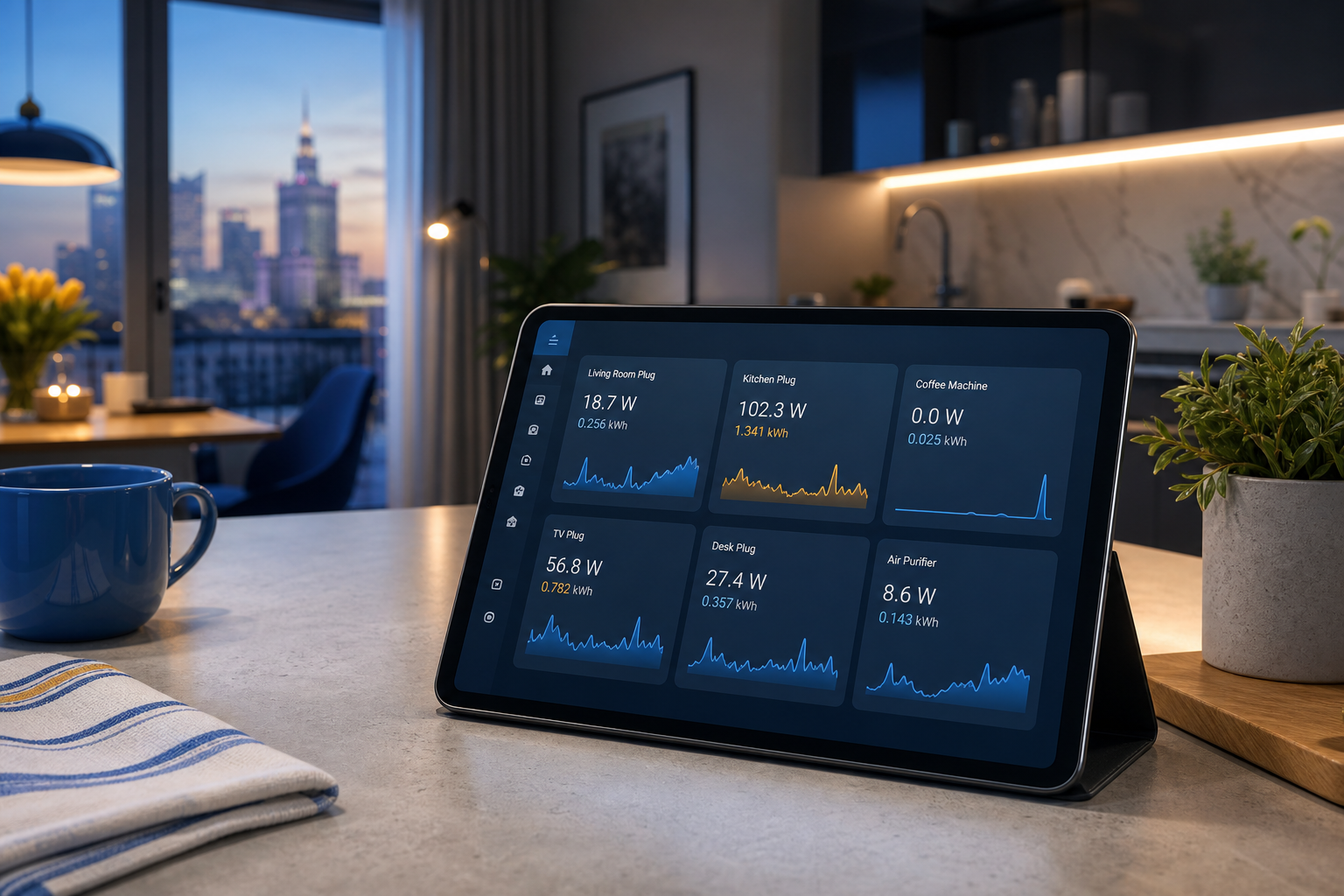
When plugs are local, what the cloud will never give you opens up: real automation on hardware you own.
The first layer is metering and cutting off phantom load. Metering plugs reveal loads that draw power nonstop. A plug's own consumption is small — the Tapo P110 was measured at about 0.6–0.7 W in standby (source: TP-Link Community), and Meteor Electrical cites "around 1 watt" (source: Meteor Electrical). The savings math works in the plugs' favor when you control larger, constantly connected loads — routers, TVs, chargers — rather than a single LED lamp (source: Home Assistant Community; Reddit). Let's be honest: on a small load, the plug's own consumption can cancel out the savings.
The second layer is presence-based control and schedules. Sensors plus plugs mean automations that run entirely on the hub and work locally even without the internet (source: SmartThings Community / Aqara Forum). The third is low latency — local command paths can match or beat the cloud (source: Hubitat Community).
This is where the hub's role comes in. Home Assistant turns isolated plugs into a coordinated, private, offline system. Paulus Schoutsen, the creator of the project, consistently repeats the principle that a privacy-respecting home should work when the internet is down, and the manufacturer's cloud should be an option, not a requirement (source: Home Assistant blog and talks). Stacey Higginbotham on "Stacey on IoT" puts it similarly: local hubs and Matter are how consumers retain control over core infrastructure — devices like plugs and switches, not one-off gadgets (source: Stacey on IoT). If you're still hesitating between platforms, a comparison of Control4 vs. Home Assistant will help.
The scale depends on where you deploy. In an apartment, a few metering plugs and scenes are enough. In a house, you add a distributed mesh, load shedding, and multi-room automation. In an office, it's scheduled shutdown of idle equipment after hours. In a hotel room, it's guest automation that never leaks presence data — and presence and consumption patterns in office and hotel environments are directly sensitive from a GDPR standpoint (source: CNIL/EDPS). You can also combine plugs with other devices like locks, building coherent presence and security scenarios.
A single smart plug is a gadget; twenty plugs governed by your own local hub are infrastructure you own outright.
Selecting compatible devices, flashing firmware, designing a stable mesh, and configuring entities in Home Assistant (a switch plus power/energy sensors) — these are exactly the moments where professional configuration pays off. Best practice: verify that the entities actually exist rather than trusting generic stickers (source: Home Assistant documentation).
How to choose and deploy smart plugs at home — an action plan
- Inventory your devices and their power draw. List what you want to control and how much power it uses. Most plugs on the EU market are rated at 16 A / 230 V (≈3.68 kW), but manufacturers recommend derating to around 10–12 A of continuous load for heaters and dryers — high loads belong on dedicated circuits or in-wall modules, not plug-in adapters (source: EU plug datasheets — TP-Link/Shelly/Fibaro; IEC 60884-1 / LVD 2014/35/EU). Skip metering plugs on trivial LED loads, where the plug's own 0.5–1 W draw cancels out the savings.
- Choose a protocol based on the decision from the protocol section: Zigbee as a sensible default, Z-Wave for reliability and wall penetration, flashable Wi-Fi for locality on a budget, Matter-over-Thread with the future in mind — with caveats about maturity.
- Check Home Assistant compatibility on the supported-brands list or in the Z-Wave JS database and confirm that the device exposes switch and power/energy entities — not just "Works with Alexa/Google" stickers (source: Home Assistant documentation). This is a good time to compare the list of verified plugs.
- Plan the mesh. At least one mains-powered node (Zigbee/Z-Wave) roughly every 5–10 meters to avoid dead zones (source: CSA / Z-Wave Alliance).
- Decide: DIY installation or professional configuration. You can handle a few plugs yourself. When it comes to flashing firmware, designing a multi-room mesh, and writing automations at the scale of an apartment, house, office, or hotel, expert support pays for itself quickly. If you're also planning access control, check out the best locks that work with Google Home.
- Plan for expansion. Once the local backbone is in place, add sensors, scenes, presence automation, and load shedding.
At Set Smart Home, we start with a free consultation, select devices exclusively from verified brands, install the same day, and provide personal training — with a guarantee of local, offline operation and no subscription, with all data staying on-site. We'll advise you on which smart plugs to buy before you spend money — and configure them to work locally, without the cloud and without a subscription.
FAQ — frequently asked questions about smart plugs
Do smart plugs increase energy consumption?
The plug itself draws about 0.5–1 W in standby — the Tapo P110 was measured at about 0.6–0.7 W (source: TP-Link Community), and Meteor Electrical cites "around 1 watt" (source: Meteor Electrical). Real savings only appear when controlling larger, constantly connected loads. On a single LED lamp, the plug may simply never pay for itself (source: Home Assistant Community).
Do smart plugs work without the internet?
Zigbee and Z-Wave plugs paired with a local hub run automations even during an outage — commands don't have to leave the home network. Cloud-only plugs appear dead until the connection returns (source: Aqara Forum; SmartThings Community). This is the only real difference between a gadget and infrastructure.
Can I move smart plugs to a new apartment?
Yes. Plug-in adapters are inherently portable, and local Zigbee/Z-Wave/Matter plugs simply re-pair with your hub in the new place — with no account migration. Unlike cloud plugs, which are tied to the manufacturer's app and ecosystem (source: Home Assistant documentation; CSA — Matter local control).
How much does it cost to equip an apartment with local smart plugs?
It depends on scale — from a few metering plugs to a system covering the whole apartment. The real cost factor, however, isn't the plugs themselves but the hub selection, mesh design, and configuration. The simplest approach is to book a free consultation and scope the work before you buy anything.