Best Smart Plugs for Home Assistant in 2026 (Local Control, No Cloud)
Table of Contents
- Why Most "Home Assistant Compatible" Smart Plugs Still Phone Home
- Protocol Showdown — ZigBee vs Z-Wave vs Wi-Fi for Home Assistant Plugs
- The Verified Smart Plugs That Actually Stay Local in 2026
- Pairing, Flashing, and Verifying Offline Operation
- Hidden Operating Costs — Standby Power, Mesh Saturation, Scaling Traps
- Pre-Purchase and Post-Receipt Verification Checklist
- FAQ
You've just finished setting up Home Assistant on a Raspberry Pi or NUC. Your ZigBee coordinator is online, your dashboard loads in under a second, and you're ready to add the first best smart plugs for Home Assistant you can find. You order a well-reviewed Wi-Fi plug, pair it through the official integration, and within 24 hours you notice it pinging a server in Frankfurt every 90 seconds. Then your ISP reboots at 3 a.m., your bedroom lamp automation breaks, and the plug refuses to function during a two-hour outage the following week.
This is the gap between marketed compatibility and actual local control. Most plugs sold as "Home Assistant compatible" are cloud-tethered, semi-local, or require flashing firmware that voids the warranty. This guide separates plugs that work fully offline from plugs that merely appear to work locally — and gives you the verification workflow to prove the difference before you commit.
A plug that works offline isn't a luxury — it's the difference between automation that survives a Wi-Fi dropout and a system that silently fails at midnight.
Why Most "Home Assistant Compatible" Smart Plugs Still Phone Home
The phrase "Home Assistant compatible smart plugs" has been diluted to near-meaninglessness by manufacturers. A plug can be technically compatible while remaining functionally dependent on a cloud server thousands of kilometers away. Before you spend a złoty, you need to recognize the four failure modes that turn a "local" plug into a permanent liability.
The first failure mode is cloud-tethered compatibility. TP-Link Kasa plugs, generic Tuya devices, and Meross hardware all advertise Home Assistant integration. What the listing rarely says is that the official integration routes every command through the manufacturer's cloud. When the cloud goes offline, the plug is unreachable from your dashboard even though it's sitting on the same Wi-Fi network as your HA instance. The community-maintained python-kasa library exists precisely because users had to reverse-engineer Kasa's LAN protocol to achieve true local control — the vendor never shipped a documented local API. That kind of dependency is fragile by design.
The second failure mode is proprietary protocol lock-in. Older Xiaomi Mijia plugs, certain Bluetooth mesh devices, and 433 MHz-only hardware only function locally if paired with the manufacturer's hub. The Aqara hub, for instance, talks to its plugs locally — and then talks to Xiaomi's cloud anyway, defeating the point. You've added a hop, paid for a hub, and still depend on a Beijing server.
The third failure mode is firmware mutation risk. Tuya-based Wi-Fi plugs are sold under more than 200 rebrands. Until mid-2021, Tuya-Convert could flash these plugs with Tasmota or ESPHome over the air. Since then, Tuya has rolled out chip variants that block over-the-air flashing entirely. A plug that was a local hero in 2020 may ship in 2026 with a locked chip that can only be flashed by opening the housing and soldering to serial pads — if at all. The blakadder template database tracks which models remain flashable, but the answer is increasingly "no."
The fourth failure mode is the language itself. "Compatible" is not "local-native." A local-native plug — Shelly over LAN, a ZigBee plug via Zigbee2MQTT or ZHA, a Z-Wave plug via Z-Wave JS — speaks directly to your Home Assistant instance over LAN or radio. A merely compatible plug requires an internet round trip even when both devices share a router.
The architectural difference matters. A ZigBee plug talks to your coordinator (Sonoff ZBDongle-E, ConBee II, SkyConnect) over 2.4 GHz radio. The coordinator talks to Home Assistant over USB. Zero internet involved, zero external dependencies, response times typically under 200 ms. Now compare that to a cloud-tethered Wi-Fi plug: your phone or HA dashboard sends a command, which travels to the Tuya cloud, which forwards to the plug, which acknowledges back to the cloud, which returns to Home Assistant. Five hops, each one a single point of failure, each one logged on a server you don't control.
Every plug we install for a client in Warsaw is verified offline before deployment. Pull the WAN cable, toggle from Home Assistant, confirm a response time under 500 ms, run a scheduled automation with the internet still disconnected. If anything stalls, the plug goes back in the box. That's the standard this guide holds every recommendation to.
Protocol Showdown — ZigBee vs Z-Wave vs Wi-Fi for Home Assistant Plugs
The protocol you choose determines your ceiling. Before evaluating any specific model, you need to understand which radio technology fits your home, your budget, and your appetite for setup work. The table below compares the four realistic paths to local control smart plugs in 2026.
| Criterion | ZigBee | Z-Wave (800) | Wi-Fi (Tasmota/ESPHome) | Wi-Fi (Shelly native) |
|---|---|---|---|---|
| Frequency | 2.4 GHz | 868 MHz (EU) | 2.4 GHz | 2.4 GHz |
| Mesh networking | Yes, self-healing | Yes, self-healing | No | No |
| Devices per coordinator | ~50 practical | 232 theoretical | Router-limited | Router-limited |
| Local control out-of-box | Yes (Z2M / ZHA) | Yes (Z-Wave JS) | Requires flashing | Yes (REST / MQTT) |
| Standby power | 0.3–0.8 W | 0.4–1.0 W | 1.0–2.5 W | 0.8–1.5 W |
| Setup friction (1–5) | 2 | 2 | 4 | 1 |
| EU price range | €12–25 | €35–55 | €8–15 pre-flash | €15–25 |
| Range per hop | 10–20 m | 30–40 m | Router-dependent | Router-dependent |
| Coordinator required | Yes (USB stick) | Yes (USB stick) | No | No |
For a Warsaw apartment under 80 m² with five to fifteen plugs planned, ZigBee is the right answer. The plugs are inexpensive, the mesh self-heals around thick walls, and a single Sonoff ZBDongle-E coordinator handles the whole space. For a house above 150 m² with brick or reinforced concrete walls, Z-Wave's 868 MHz radio penetrates better than 2.4 GHz and the per-device range stretches further before you need a repeater. The premium per plug is real — roughly two to three times the ZigBee price — but reliability per złoty over five years usually justifies it in larger builds.
If you're technically confident, comfortable with a serial cable, and want eight-euro plugs, the Tasmota route still works for specific models that remain flashable. The catch is the time investment and the Tuya-Convert deprecation — verify the chip variant before you order in bulk. For renters and anyone who doesn't want to flash anything, Shelly is the strongest plug-and-play Wi-Fi option. The Plug S Gen3 exposes a native REST API on your LAN, integrates into Home Assistant with two clicks, and offers a "MQTT only" mode that severs cloud connectivity entirely.
Before you buy a single plug, budget €25–40 for the coordinator. A ZigBee deployment without a Sonoff ZBDongle-E or equivalent is just a pile of expensive paperweights, and the Zooz 800LR or similar is the Z-Wave equivalent. This is not an optional accessory — it's the foundation. If you're still in the planning stage, our guide on how virtual reality is enhancing smart home design and planning shows how to visualize coordinator placement and mesh coverage before you buy hardware.
The Verified Smart Plugs That Actually Stay Local in 2026
These are the seven plugs we install in client homes and verify work fully offline. Each has been paired, toggled with the router's WAN cable physically disconnected, and confirmed to maintain sub-500 ms response. Plugs not on this list — TP-Link Kasa, Meross, generic Tuya, Amazon Smart Plug — are excluded because they either require cloud routing or have unreliable local APIs that break across firmware updates.
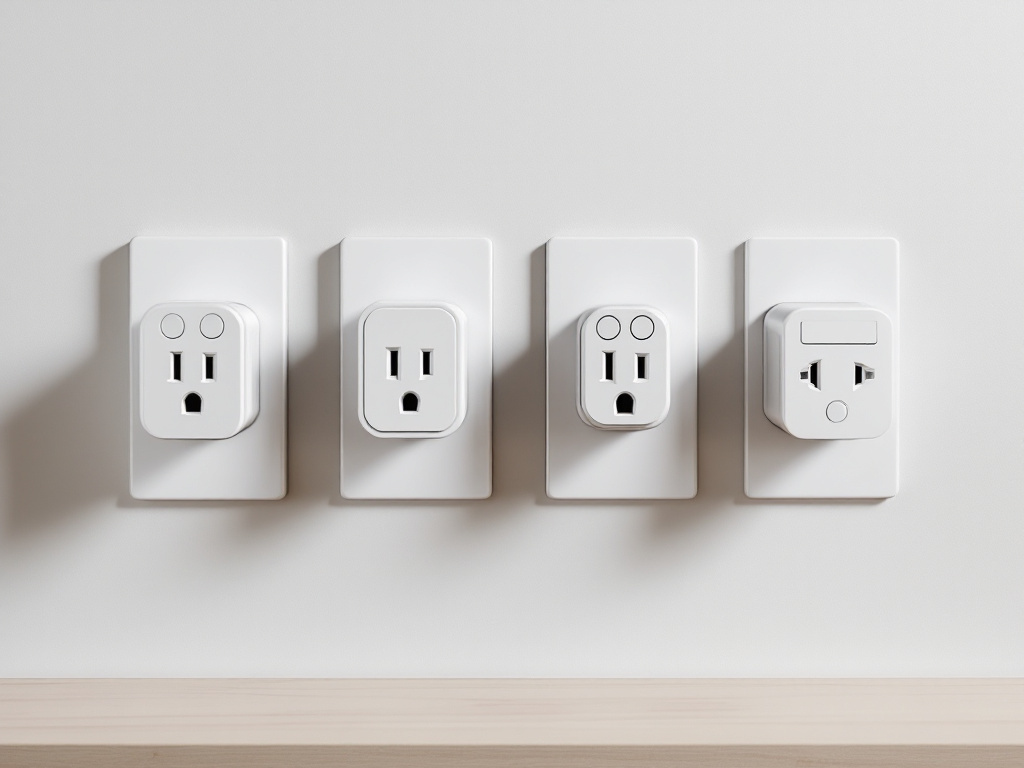
1. Innr SP 240 (ZigBee)
- Local integration: ZHA or Zigbee2MQTT
- Power rating: 16 A / 3,680 W
- Form factor: Compact, does not block adjacent Schuko outlet
- Power monitoring: Yes
- Approximate EU price: €18–22
- Why it earned the spot: Most reliable ZigBee plug we deploy in mesh networks. Firmware has been stable since 2022, the device acts as a strong router for other ZigBee endpoints, and the Zigbee2MQTT device page confirms full local support including energy reporting.
2. Shelly Plug S Gen3 (Wi-Fi)
- Local integration: Native Shelly integration over LAN (REST + WebSocket); MQTT-only mode available
- Power rating: 16 A / 3,680 W
- Form factor: Slightly bulkier; may block the top outlet in a vertical pair
- Power monitoring: Yes
- Approximate EU price: €19–24
- Why it earned the spot: Zero flashing required. Full local control out of the box. The best entry-level Wi-Fi plug for anyone who doesn't want a soldering iron in their toolbox.
3. Sonoff S26R2 ZBR3 (ZigBee)
- Local integration: ZHA or Zigbee2MQTT
- Power rating: 16 A
- Form factor: Very compact
- Power monitoring: No
- Approximate EU price: €11–14
- Why it earned the spot: The cheapest reliable ZigBee plug on the market. Lacks energy metering, but for simple on/off automations (lamps, fans, Christmas lights) the price is unmatched and the mesh routing is solid.
4. Aeotec Smart Switch 7 (Z-Wave 700/800)
- Local integration: Z-Wave JS
- Power rating: 15 A
- Form factor: Bulky — will block adjacent outlets
- Power monitoring: Yes, plus dimming for resistive loads
- Approximate EU price: €45–55
- Why it earned the spot: The Z-Wave benchmark plug. Pairs cleanly with Zooz and Aeotec coordinators, reports accurate kWh, and survives firmware updates without re-pairing rituals.
5. Athom Plug V2 (ESPHome pre-flashed Wi-Fi)
- Local integration: Native HA discovery via ESPHome
- Power rating: 16 A
- Form factor: Compact
- Power monitoring: Yes
- Approximate EU price: €15–18
- Why it earned the spot: Ships with ESPHome already flashed. You get Tasmota-style locality without touching a serial cable. Recommended for technical users who want Wi-Fi flexibility without Tuya cloud dependency.
6. Shelly Plug S MTR Gen3 (Wi-Fi, energy-focused)
- Local integration: Native HA over LAN
- Power rating: 16 A
- Form factor: Standard Shelly Plug S body
- Power monitoring: Advanced — voltage, current, power factor, accurate kWh
- Approximate EU price: €27–32
- Why it earned the spot: When you actually need utility-grade energy data — heat pump tracking, EV charger monitoring, time-of-use rate calculations — this is the plug that delivers numbers worth trusting.
7. Nous A1Z (ZigBee)
- Local integration: ZHA or Zigbee2MQTT
- Power rating: 16 A
- Form factor: Compact
- Power monitoring: Yes
- Approximate EU price: €12–15
- Why it earned the spot: The closest budget competitor to the Innr SP 240. Slightly less polished firmware, occasional energy-reporting glitches on early batches, but at this price the metering capability is genuinely useful for cost-conscious deployments.
All seven have been verified with WAN disconnected. If you're building out a fully local smart home, plugs are one piece of a larger picture — see also our smart kitchen appliances guide for appliance-side automation that follows the same offline-first principles.
Pairing, Flashing, and Verifying Offline Operation
Setup is where most readers fail. A plug that pairs successfully can still phone home in the background — and verification, not pairing, is the only proof of local control. The workflow below is the same five-step process we use during every client installation.
Step 1: Confirm your coordinator is ready
For ZigBee deployments, open Home Assistant, navigate to Settings → Devices & Services, and confirm that ZHA or Zigbee2MQTT shows your coordinator online with "Permit join" set to OFF by default. For Z-Wave, Z-Wave JS UI should display controller node 1 as healthy with no error states. For Wi-Fi plugs, ensure your 2.4 GHz SSID is broadcasting separately from your 5 GHz network — many plugs cannot negotiate a dual-band SSID and will fail to connect without a clean 2.4 GHz target.
Step 2: Pair the plug
For ZigBee plugs, hold the button five to ten seconds until the LED blinks rapidly. In Home Assistant, click "Add device" — the pairing window stays open for 60 seconds. Pair within one meter of the coordinator on first join, then move the plug to its permanent location once it appears in your device list.
For Z-Wave plugs, use Z-Wave JS UI's inclusion mode with Security S2 Authenticated selected when available. Trigger inclusion on the plug with two rapid button presses (verify the exact gesture for your model in its manual).
For Shelly Wi-Fi plugs, the device emits a shellyplug-XXXX SSID on first boot. Connect to it from your phone, enter your home Wi-Fi credentials, then add the Shelly integration in Home Assistant. Open the plug's LAN web UI and disable "Allow cloud connection" — this is the step most users skip and the reason their "local" Shelly still chats with Allterco servers in Bulgaria.
Step 3: Flash firmware (Tasmota / ESPHome path only)
Skip this step entirely if you bought an Athom or Shelly. For unbranded Tuya plugs, Tuya-Convert over-the-air flashing only works if the plug shipped before mid-2021 — confirm via the blakadder template database. Modern flashing requires opening the housing, attaching a USB-to-serial adapter to TX, RX, and GND pads, and flashing with esptool.py. This voids your warranty. We do not recommend serial flashing for clients without prior electronics experience — the risk-to-reward ratio compared to buying an Athom plug pre-flashed simply doesn't justify the effort.
Step 4: The offline verification test
This is the step most guides skip, and it's the only one that proves you actually have local control.
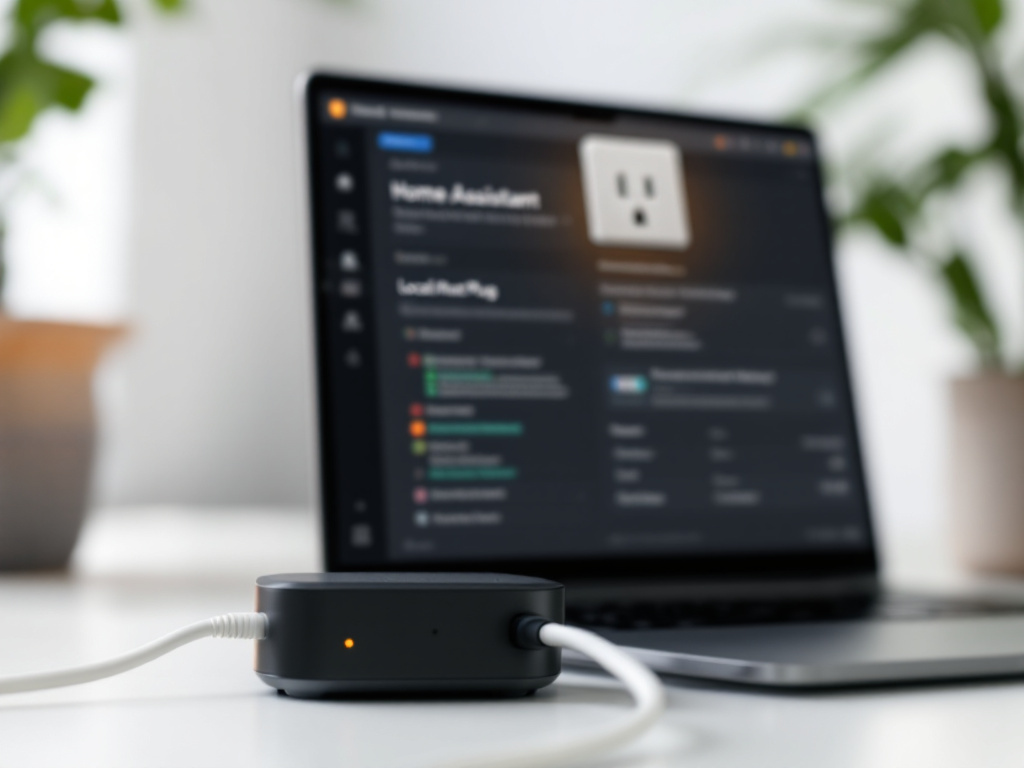
- Disconnect your router's WAN cable, or disable internet at the router admin page while keeping LAN active.
- Wait 60 seconds for cached cloud sessions to time out.
- Open Home Assistant on a LAN device and toggle the plug five times via the UI.
- Measure response time — every toggle should complete under 500 ms.
- Trigger a pre-built automation (for example, "turn off plug after 30 seconds") and confirm it fires on schedule.
If any toggle hangs longer than two seconds or fails outright, the plug has a cloud dependency. Return it. There is no fix for a plug designed to require a cloud handshake — only replacement with a local-native model.
Step 5: Power-loss persistence test
Unplug the device from the wall for 30 seconds, then plug it back in. It should rejoin your mesh or Wi-Fi within 60 seconds without any manual intervention. Plugs that require re-pairing after every power loss — a known issue with several early Tuya ZigBee batches — are unfit for automation use. They will silently drop out after every blackout, and you'll discover the failure only when an automation fails to fire at 6 a.m.
Hidden Operating Costs — Standby Power, Mesh Saturation, Scaling Traps
The upfront price of a plug is the smallest cost in its lifetime. The real expense is operational — phantom electrical load, mesh latency, coordinator ceilings, and the rework that hits when you scale past your original plan.
- Phantom standby load adds up faster than expected. A Wi-Fi plug draws 1.5–2.5 W continuously, even when its controlled load is off. The math: 15 Wi-Fi plugs × 2 W × 8,760 hours ÷ 1,000 = 263 kWh per year. At current Polish residential rates near 1.20 PLN/kWh including distribution charges (verify your tariff via URE.gov.pl), that's roughly 315 PLN per year — about €73 — just to keep your plugs idle. ZigBee plugs at 0.5 W average drop the same 15-device deployment to roughly 65 PLN per year. Over a five-year horizon, the protocol choice alone is worth about €280 in electricity.
- ZigBee mesh saturation has a practical ceiling near 50 devices. While Zigbee2MQTT theoretically supports more than 100 devices per coordinator, real-world deployments above 50 routers — and every mains-powered plug counts as a router — introduce join failures and latency spikes of two to four seconds. The Zigbee2MQTT mesh optimization guide covers the underlying causes. If you're planning 30 or more ZigBee endpoints, budget for a second coordinator on a different channel from day one.
- Z-Wave region locking is permanent. EU plugs at 868.4 MHz will not pair with US controllers at 908.4 MHz, and the reverse is equally true. Buying Z-Wave hardware from Amazon.com for a Warsaw apartment is wasted money. Confirm the frequency printed on the box before ordering, especially when buying from international resellers.
- Wi-Fi plugs saturate your 2.4 GHz band. Every plug consumes a DHCP lease, broadcasts on the same channel as your phones and laptops, and contributes to airtime contention. Past 20 Wi-Fi devices on a single access point, Zoom calls and video streams start to degrade. Mitigate by dedicating a separate IoT SSID on a less-congested channel — channels 1, 6, or 11 in the 2.4 GHz band remain the only non-overlapping options.
- Multi-protocol setups require multi-coordinator budgets. If you start with five ZigBee plugs and later add Z-Wave door sensors, you now need both USB sticks (€25–40 each) plus USB 2.0 extension cables to keep them 30+ centimeters apart and away from USB 3.0 ports, which generate 2.4 GHz noise. Plan your protocol mix before the first purchase — switching protocols at month 18 means rebuying every plug.
Choosing plugs isn't just about the unit cost — it's about the operational overhead you're locking into your home for the next five years.
Pre-Purchase and Post-Receipt Verification Checklist
Before adding any plug to your cart, run through these checks. They take ten minutes and prevent a €200 mistake that compounds across every plug you buy thereafter.
Before You Buy
- Do I already own a ZigBee or Z-Wave coordinator? If not, budget €25–40 for one.
- Is the plug listed on zigbee2mqtt.io/supported-devices OR on the official Home Assistant integrations page as "local polling" or "local push"?
- Is the power rating (in amps and watts) sufficient for my intended load? Space heaters need 16 A; lamps need 6 A; check appliance labels before ordering.
- Will the plug's physical dimensions block adjacent outlets? Measure your outlet spacing before ordering.
- For Z-Wave: does the listing explicitly specify 868 MHz EU frequency?
- Has the integration or device handler been updated within the last 12 months? Stale integrations signal future breakage.
- Do I need power monitoring (kWh tracking) or just on/off control?
- Have I calculated total standby draw if buying 10+ units?
After You Receive
- Pair on a workbench near the coordinator first, not at the final installation point
- Disconnect WAN, verify Home Assistant toggle works in under 500 ms
- Power-cycle the plug; confirm auto-rejoin within 60 seconds
- Set a five-minute test automation; confirm execution
- Check Zigbee2MQTT or ZHA logs for repeated re-pair events (indicates weak mesh placement)
- Label the entity in Home Assistant with room and load — e.g., "Kitchen — Coffee Machine"
Scaling Past 5 Plugs
- Plotted plug locations on a floor plan to ensure mesh coverage every 8–10 meters
- Calculated annual standby cost (kWh × tariff × plug count)
- Confirmed coordinator USB stick is on a 1-meter extension cable to avoid USB 3.0 interference
- Decided on a single primary protocol — only mix protocols when a specific device justifies the second coordinator
Tasmota / ESPHome Path (Conditional)
- Confirmed plug's chip variant is flashable via the blakadder template database
- Have a USB-to-serial adapter and soldering experience — or bought pre-flashed Athom hardware
- MQTT broker (Mosquitto) installed and running in Home Assistant
Verification, not pairing, is the proof that your smart home actually belongs to you.
If you can tick every box above, you're ready to buy. If three or more remain unclear, book a 30-minute free consultation with Set Smart Home — we'll walk through your apartment layout, coordinator choice, and plug shortlist before you spend a złoty. If you're planning a broader local smart home upgrade beyond plugs, see our roundup of the best smart lock for Google Home for entry-point security that follows the same local-first principles.
FAQ
Can I mix ZigBee and Z-Wave plugs on one Home Assistant instance?
Yes. Home Assistant supports both simultaneously through separate USB coordinators — one ZigBee stick, one Z-Wave stick. The trade-off is hardware cost (€50–80 for both) and USB port management. Use a USB 2.0 extension cable for each coordinator and keep them at least 30 centimeters apart to prevent 2.4 GHz interference from USB 3.0 ports and from each other. Most users start with a single protocol and add the second only when a specific device justifies it — Z-Wave door locks alongside ZigBee plugs is the most common dual-protocol pattern we deploy.
What happens to my automations when a plug loses connectivity?
Home Assistant marks the entity as unavailable but does not halt your other automations. Any automation referencing the unavailable plug will either skip the action (if you've added a condition: state check beforehand) or throw a runtime error visible in the log. Build automations defensively: check entity availability before issuing commands, and use the "device unavailable" event itself as a trigger for fallback behavior — a notification to your phone, a fallback automation on a different plug, or an alert on your dashboard. Treating unavailability as a first-class event is what separates resilient setups from fragile ones.
Are there smart plugs that work locally without Home Assistant?
Yes. Shelly plugs in standalone mode expose a full web UI at their LAN IP with built-in schedules, button overrides, and timers — no central server required. Tasmota-flashed plugs offer similar standalone control via their own web interface. These work entirely without Home Assistant, but you lose cross-device automation, unified dashboards, and history tracking. If you want truly device-local control with no central server, Shelly is the strongest standalone option. For anything more ambitious — multi-room scenes, presence-based triggers, energy dashboards — Home Assistant remains the foundation.
How many ZigBee plugs can one coordinator handle before latency becomes a problem?
The Sonoff ZBDongle-E, based on the Texas Instruments CC2652 chipset, handles up to roughly 50 router-capable devices reliably. Plugs count as routers because they're mains-powered and forward traffic for battery-powered sensors. Beyond 50 devices you'll see join failures, two-to-four-second response delays, and intermittent drop-outs during firmware updates. The real-world ceiling for a single coordinator is about 50 devices total — plugs, bulbs, and sensors combined. Past that threshold, deploy a second coordinator on a different ZigBee channel (channel 15 and channel 25 are common non-interfering choices) and split your devices between them.
Do EU and US smart plugs differ in ways that affect Home Assistant?
Two ways. The plug body differs physically — Schuko or Type E in Poland versus NEMA 5-15 in the United States — and Z-Wave radio frequency differs: 868 MHz in the EU versus 908 MHz in the US. These are not cross-compatible at the radio layer. ZigBee and Wi-Fi plugs use the same 2.4 GHz band globally, so a ZigBee plug imported from the US will technically pair with your EU coordinator, but the physical prong shape makes it unusable without an adapter — and adapters on 16 A loads are a genuine fire risk, not a theoretical one. Buy plugs sold for your region.