Control4 Home Automation vs Home Assistant: Which Is Right for Your Home?
What You're Actually Choosing Between
You've decided you want a smart home. Now you're stuck between two paths that look superficially identical — both run lights, locks, climate, and AV from a single app — but operate on opposite philosophies. One requires a dealer relationship, recurring fees, and a vendor's cloud. The other is software you (or your installer) own outright, with no subscriptions and no vendor between you and your own house. control4 home automation dominates the pro-installed market: it's specified by ~64% of top North American custom integrators, according to CE Pro's 2023 brand analysis. Home Assistant occupies the opposite end of the spectrum — over 1 million active installations and 2,000+ integrations, per its 2023 State of the Open Home report. Meanwhile, 66% of smart home users worry about how their data is used, according to a UK ICO survey. That number is not a footnote — it is the decision behind the decision.
What follows is not a feature checklist. It is a decision framework.
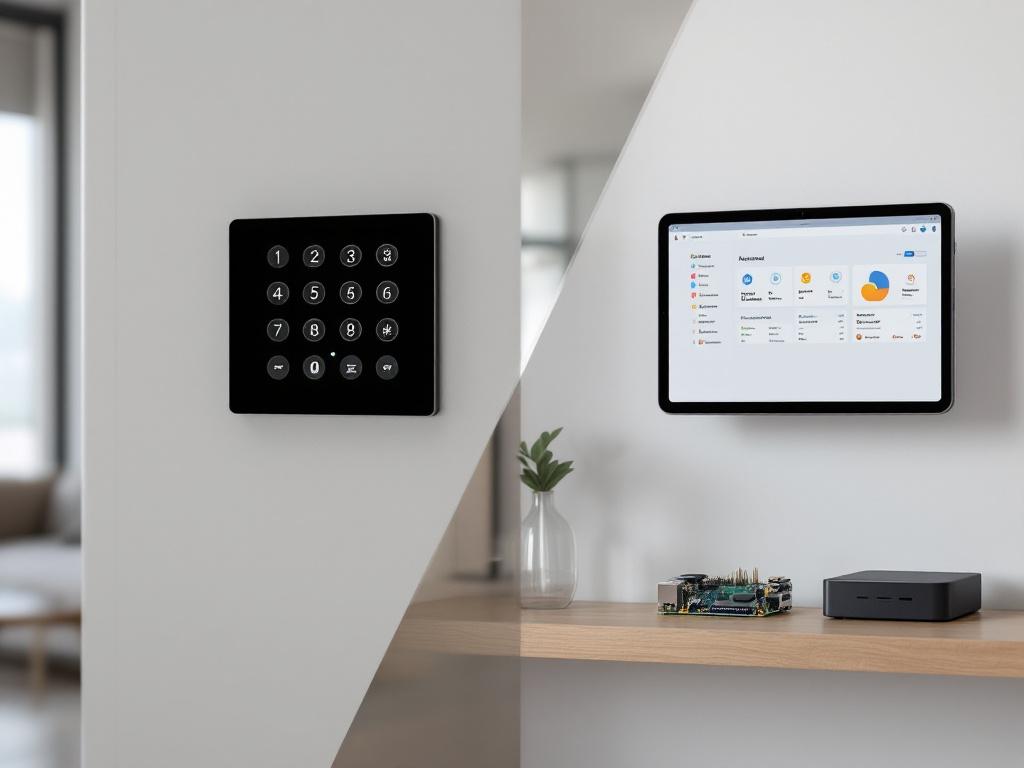
Table of Contents
- What You're Actually Choosing Between
- Five-Year Total Cost of Ownership
- Privacy, Data Residency, and GDPR
- Device Compatibility
- Who Actually Installs and Supports Each System
- Expansion, Migration, and What Happens in Year Seven
- The Decision Pathway
- What to Bring to Your First Consultation
Before you compare features, you have to understand that you're choosing between two fundamentally different ownership models. Feature parity is largely a distraction. The model determines everything that happens for the next ten years.
Control4 is a managed platform. Hardware — EA-series controllers, keypads, touchscreens — is licensed and sold exclusively through authorized dealers. End users cannot independently purchase controllers or system software. Programming is performed by certified integrators using Composer Pro, the dealer-controlled configuration tool. The system runs on OS 3 (now part of Snap One's platform), with major updates coordinated through dealer visits or remote maintenance windows. Cloud services — 4Sight remote access, voice integrations, analytics — sit on top of local automation logic.
This architecture is intentional. Rich Green, a CEDIA instructor and long-standing pro integrator, frames it precisely on the CEDIA Tech Council Podcast: a professionally designed control system "is about predictability and service." Control4 trades user autonomy for a single throat to choke — your dealer.
Home Assistant is open infrastructure. It is free, open-source software (Apache 2.0 license) that runs on a Raspberry Pi 4 ($100–$200), an Intel NUC ($200–$400), a virtual machine, or one of the official Home Assistant Green and Yellow appliances. The architecture is offline-first by design — all automations run locally without internet. A cloud add-on (Nabu Casa) is available at $6.50/month for remote access and voice — never required. A community of thousands of contributors maintains integrations spanning 1,000+ brands. Founder Paulus Schoutsen positions the project as a "local-first, privacy-first home automation platform."
The model — not the feature list — determines three downstream consequences that will shape every decision you make from year one through year ten:
- Who holds the keys. Control4 dealers retain configuration control. With Home Assistant, you (or your chosen installer) do.
- Where data lives. Vendor cloud versus on-premises.
- Cost trajectory. Recurring versus flat.
There is one piece of counter-evidence to handle honestly before going further. Control4's core logic is local. Scenes, lighting, AV control, and security automations continue to operate when the internet drops — confirmed by Control4's own knowledge base. Calling Control4 "cloud-based" is reductive. The more accurate framing is cloud-augmented versus cloud-optional. Both have local foundations. Only one defaults to keeping your data off the internet entirely.
That distinction sets up the rest of this article.
Five-Year Total Cost of Ownership
Most comparisons stop at sticker price. That is misleading. The real number is what you pay over five years — hardware plus labor plus subscriptions plus service calls — across the realistic lifecycle of a smart home installation.
| Cost Component | Control4 | Home Assistant |
|---|---|---|
| Hub / controller hardware | $800–$2,500 (EA-series, dealer-supplied) | $100–$400 (Pi 4 or NUC) |
| Installation & programming labor | $4,000–$16,000 (40–80 hrs @ $100–$200/hr) | $1,500–$2,500 installer / $0 DIY |
| Typical starter system total | $5,000–$10,000+ | $200–$3,000 |
| Cloud / remote access | 4Sight ~$99/year historically, often bundled | Nabu Casa $6.50/mo (optional) |
| Ongoing dealer service calls | $100–$200/hr per visit | $0 (or optional support package) |
| 5-year subscription total | $500–$1,800+ | $0–$390 |
| 5-year TCO (mid-size home) | $6,000–$12,000+ | $200–$3,500 |
Sources: Control4 starter pricing from the AVS Forum integrator survey and OneHourSmartHome; integrator hours and rates from CEDIA's Integrated Home Market Analysis and the CE Pro 2022 Salary Study; 4Sight pricing reconstructed via archived Control4 documentation; Nabu Casa pricing from Nabu Casa; Home Assistant hardware from official recommended hardware.
The gap is wider than it appears, and it is wider for a reason most homeowners never see clearly: labor, not hardware, is the dominant cost driver on the Control4 side. A custom integrator billing 60 hours at $150/hour is $9,000 before a single device leaves the truck. Hardware is roughly 20–30% of a typical pro install. Programming, design, documentation, and commissioning are the rest.
Then there is the compounding effect of recurring fees. Even a modest $30/month in cloud and remote-support charges totals roughly $1,800 over five years before any service call. Add two or three billed visits per year — common in active households where you keep adding devices — and the recurring cost easily doubles.
The honest counterpoint: Home Assistant's "free" entry assumes either a DIY time investment of four to eight hours minimum (typically more for newcomers), or a professional installer fee that the table already accounts for at $1,500–$2,500. The savings are real, but they are not magic.
Where the Control4 TCO becomes defensible: properties where downtime costs more than the subscription. Boutique hotels. Executive residences. Multi-property estates where a single accountable vendor is operationally simpler than managing a relationship with a local specialist.
Where the Control4 TCO becomes overwhelming: single-family homes, apartments, and offices under roughly 3,000 sqft, where the dealer overhead exists primarily to support complexity you do not have.
Privacy, Data Residency, and GDPR
For homeowners in Poland and the broader EU, this is where the comparison stops being about features and starts being about compliance posture.
| Privacy Dimension | Control4 | Home Assistant | Why It Matters |
|---|---|---|---|
| Internet required for core automation | No, but remote features fail | No, fully offline-capable | ISP outages |
| Data stored on vendor cloud | Yes (4Sight, voice, analytics) | No by default; opt-in via Nabu Casa | GDPR minimization |
| Vendor / dealer remote access | Yes | No (only you or your installer) | Trust boundary |
| Metadata exposure to ISP | Higher | Lower | Pattern leakage |
| Survives vendor shutdown | Risk (proprietary) | Yes (open source) | 10-year horizon |
Sources: Control4 KB; Home Assistant privacy architecture; EDPB Guidelines 1/2020 on IoT data processing; ETSI EN 303 645 baseline IoT security.
Privacy is not a feature you switch on after installation. It is a structural decision made the day you choose your hub, and every device, automation, and integration inherits that choice.
The mainstream stat is the one that anchors this whole section. Per the UK ICO 2023 survey, 66% of smart home users worry about how their data is used and 61% are concerned that devices collect more data than necessary. These are not edge-case fears. They are the median view.
The technical research behind those fears is sharper still. Noah Apthorpe and colleagues at Princeton showed in A Smart Home is No Castle that even encrypted traffic leaks metadata — when devices turn on, what brands you own, when occupants are home — to ISPs and cloud providers. Encryption protects payloads, not patterns. Local-first systems materially reduce that exposure because the metadata never leaves the LAN in the first place. Layered defenses such as additional cryptographic protections for device authentication further harden a local stack, but the architectural choice has to come first.
User studies reinforce the same finding from a different angle. Lujo Bauer's group at Carnegie Mellon, in the SOUPS 2017 paper co-authored with Eric Zeng, documents that users systematically underestimate the privacy cost of cloud-connected hubs — and shift their preference toward local control once the cost is made visible to them.
The Polish and EU angle is concrete. GDPR treats smart home logs — presence detection, usage patterns, voice commands, even thermostat schedules — as personal data subject to transparency and minimization requirements. Local processing satisfies "data protection by design" by default, which is a defensible compliance posture for landlords, hoteliers, and developers operating in the EU. Control4 systems can be compliant, but compliance requires a Data Processing Agreement review with your dealer covering 4Sight, voice services, and any third-party cloud integrations.
Honest critique: hub choice alone does not guarantee privacy. If you connect a cloud-streaming camera to Home Assistant, the camera vendor still has your video — a point made clearly by Emami-Naeini and colleagues in their CHI 2019 study. The hub is necessary but not sufficient. Device-by-device decisions still matter. The hub is the floor, not the ceiling.
Device Compatibility
The compatibility question is not "how many devices does each system support." It is "what kind of compatibility do you want — curated and tested, or broad and community-maintained?"
- Control4's curated catalog. Control4 markets support for "thousands of third-party products," and the Works With Control4 partner program covers roughly 14,000 specific devices via the driver database, a figure also cited in Experience Audio Video's comparison overview. Every supported device is tested and added through a dealer-supplied driver. The benefit is reliability. The cost is delay — bleeding-edge devices arrive months later — and a premium-brand bias toward Lutron, Sonos, Crestron, Triad, and Pakedge.
- Home Assistant's community ecosystem. The official integration directory lists 2,000+ integrations across 1,000+ brands, plus thousands more via HACS (Home Assistant Community Store). Budget brands — IKEA Trådfri, Tuya, SONOFF, Aqara — sit alongside premium ones like Lutron Caséta, Sonos, and Hue. This breadth is why technical homeowners often combine cheap sensors with smart kitchen appliances that integrate natively with Home Assistant for genuinely whole-home coverage. The catch: integration quality varies. Some are vendor-maintained and stable. Others are community-maintained and occasionally break when a vendor pushes firmware updates.
- Protocol coverage is functionally similar. Both systems handle Zigbee (2.4 GHz, up to 250 kbps) and Z-Wave (~800–900 MHz, up to 100 kbps, mesh of up to 232 nodes). Home Assistant typically uses USB sticks like the Sonoff ZBDongle or Aeotec Z-Stick. Control4 uses proprietary controllers with built-in radios.
- Matter changes the calculus. The Connectivity Standards Alliance's Matter 1.3 specification introduces IP-based interoperability with multi-admin support, meaning a single device can belong to multiple ecosystems simultaneously. Home Assistant is adopting Matter aggressively. Control4 is moving more cautiously. For new builds in 2024 and beyond, Matter compatibility reduces the lock-in penalty of either platform — but it does not erase it.
- The hidden compatibility tax on the Control4 side. Because devices must exist in the driver database, integrators sometimes recommend pricier "approved" alternatives over functionally identical budget devices. A $40 IKEA bulb that Home Assistant handles natively may become a $90 specified equivalent in a Control4 build.
- The hidden compatibility tax on the Home Assistant side. Some niche integrations require YAML edits or REST API tinkering. A professional installer eliminates this friction at install time. A DIYer attempting a niche brand may spend an evening on the community forum.
| Aspect | Control4 | Home Assistant |
|---|---|---|
| Catalog size | ~14,000 certified devices | 2,000+ integrations, 1,000+ brands |
| New device lead time | Weeks–months | Days |
| Brand tier | Premium-biased | Budget through premium |
| Driver / integration updates | Dealer-managed | Monthly core releases |
The summary: curated reliability versus community breadth. Both are valid models. Only one of them lets you walk into a hardware store and buy what you want.
Who Actually Installs and Supports Each System
The most persistent myth in this space is that Control4 means professional and Home Assistant means DIY. Reality is messier — and the difference matters because it determines who you call when something breaks at 11 PM.
Control4's installer-locked model. You cannot buy a Control4 controller without going through an authorized dealer. Programming requires Composer Pro, which dealers control. An end-user tool called Composer HE exists, but its capabilities are deliberately limited. The integrator John Sciacca, writing in Residential Systems, points to the consistent UI across touchscreens, remotes, and apps as a significant reduction in support calls from non-technical family members — a real advantage when your spouse or guest cannot find the right button. Stacey Higginbotham, on her Stacey on IoT podcast, describes the same model less generously: a "luxury, managed experience" that excels in complex AV but locks you into the dealer relationship for the lifetime of the system.
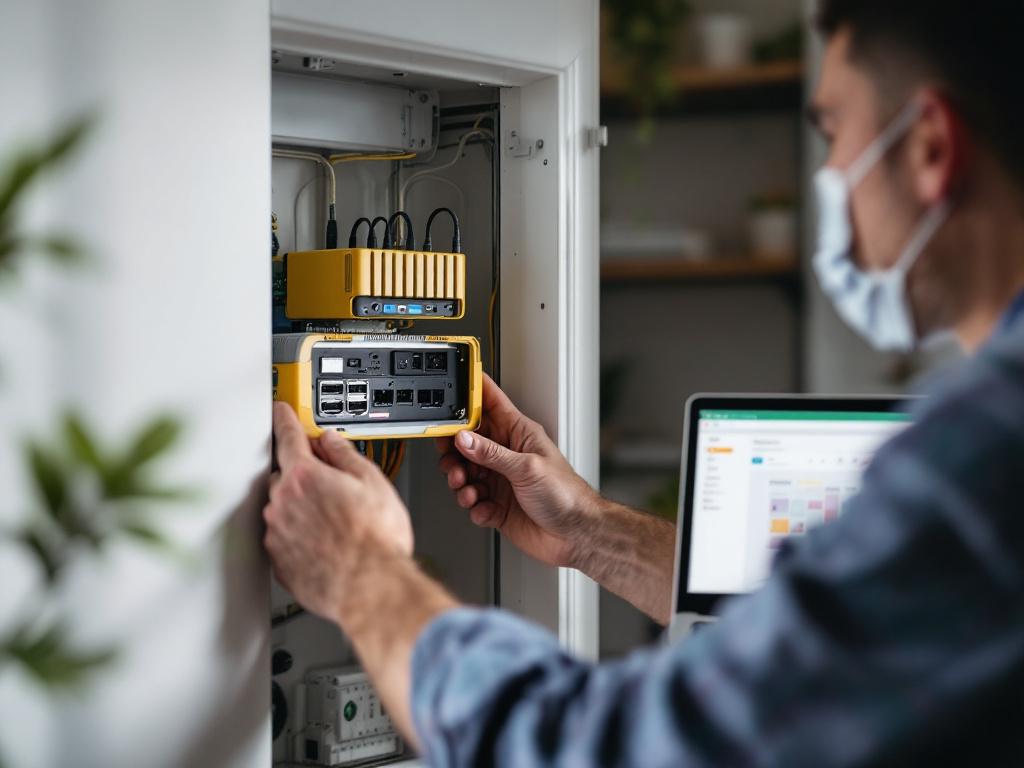
Home Assistant's two installation paths.
The DIY path is free software on your own hardware, on your own time. It is excellent for technically literate users — and brutally honest about its prerequisites. Ur and colleagues, in their CHI 2019 study on smart home authoring tools, document the steep learning curves non-technical users face when authoring home automations. YAML, entities, and integration troubleshooting overwhelm typical homeowners.
The professional installer path is less visible but growing rapidly. Local specialists — including Set Smart Home in Warsaw — deploy Home Assistant the same way a Control4 dealer deploys C4: same-day installation, personal training, optional ongoing support. The structural difference is what happens when the engagement ends. You still own the system. The installer can step away. The system keeps running. There is no licensing tie, no dealer-only configuration file, no recurring fee gating you out of your own house.
The real question is not professional versus DIY. It is whether you want a system you rent from a dealer or a system you own outright, regardless of who installs it.
A professional Home Assistant installer adds things DIY cannot match in a weekend:
- A pre-configured device library tuned to your specific property — apartment wiring differs from house wiring, and Polish electrical norms differ from US conventions.
- Automation design based on observed lifestyle, not generic templates. This is where specialized installations such as elderly care automation demonstrate the value of a local expert who tunes the system to actual occupants rather than imagined ones.
- Secure remote support via SSH, Tailscale, or WireGuard tunneling — no vendor cloud required.
- Knowledge of local Polish and EU building standards and electrical norms.
- A backup, recovery, and update strategy implemented from day one rather than improvised after the first failure.
Integrators are increasingly mixing both platforms. A Home Assistant community thread documents installers who deploy Control4 for AV and reliability-critical surfaces while running Home Assistant underneath for automations Control4 cannot easily express. The two systems are not mutually exclusive — but if you are choosing one as your foundation, the decision shapes the next decade.
The honest counterpoint, which deserves a hearing: for multi-property managers running hotels or executive residences, Rich Green's argument holds. Custom-installer platforms justify their cost through comprehensive support and lifecycle management. A Home Assistant installation without any maintenance contract is brittle in a property-management context. The answer for those operators is not "DIY Home Assistant" — it is "Home Assistant deployed by a professional with an ongoing service agreement," which is structurally identical to the Control4 dealer model, minus the licensing premium and the cloud.
Expansion, Migration, and What Happens in Year Seven
You buy a system today. What happens when you want to change something in 2031? This is the question almost no comparison article asks honestly. Here is what each path looks like seven years out.
Path A — Expanding a Control4 system:
- Identify the device need. Call your dealer. They propose options from the certified catalog.
- Dealer orders and provisions hardware. Cannot be purchased independently.
- Dealer visit or remote session. Composer Pro programming is dealer-controlled. The service call is billed at $100–$200/hr per the CEDIA market analysis.
- Integration tested and added. Reliable, but bounded by what the catalog supports.
- Migration off Control4 in year 7+. Difficult. Proprietary programming format. Automations do not export cleanly. Replacing the system means rebuilding from scratch.
Path B — Expanding a Home Assistant system:
- Identify the device need. Search the 2,000+ official integrations or HACS.
- Buy the device anywhere. No dealer gatekeeping.
- Add via UI integration flow. Most integrations are point-and-click. Complex ones can be handled by your installer in a single session.
- Update cadence: monthly core releases. The project ships new versions roughly every month per the Home Assistant blog, keeping integrations current with vendor firmware changes.
- Migration off Home Assistant. Easier. YAML configurations, automations, and Node-RED flows are portable text files. You can also export to Matter for cross-platform continuity if you later move to a different ecosystem.
A counter-point worth taking seriously: Zubair and colleagues, in their IEEE Access 2022 comparative analysis, note that Home Assistant users develop their own form of lock-in — dependence on Nabu Casa, or reliance on specific custom integrations that may be abandoned by their maintainers. If a key community integration goes unmaintained, you may face rework. The "no lock-in" claim is relative, not absolute. The difference is that the lock-in is to community-maintained text files, not to a proprietary binary format only your dealer can edit.
Scaling commentary by property type:
- 5-device apartment. Home Assistant's flexibility pays off by month 6, and the entire system can be installed in under a day for roughly $1,500–$2,500 by a local installer.
- 30-device single-family home. Either system works. Cost and privacy preference decide.
- 50-room hotel. Control4's standardization reduces per-room support burden. But Home Assistant's per-room cost advantage compounds substantially — based on the Section 2 TCO brackets, the five-year subscription and labor differential across 50 rooms can reach roughly $15,000–$20,000 in savings, depending on service-call frequency.
- 10-unit residential development. Per-unit Home Assistant cost (about $300–$500 in hardware) makes the $5,000+ per-unit Control4 entry difficult to justify, unless the developer is selling "smart home" specifically as a luxury upgrade with explicit dealer-managed service expectations.
Expansion is where the model behind your hub finally shows itself. One path bills you for every change. The other lets you change anything, as long as you understand what you are changing.
The Decision Pathway
Seven diagnostic questions. Answer each honestly. The cumulative weight points clearly to one platform or the other — or, occasionally, to a legitimate hybrid.

- Is your property a single residence, apartment, or small office under roughly 3,000 sqft? If yes, Home Assistant's economics dominate — the dealer-managed overhead Control4 charges for primarily serves complexity you do not have. If your project is a large estate, hotel, or multi-property portfolio, Control4's service model earns its premium.
- Do you have non-technical occupants who need a consistent UI across remotes, touchscreens, and apps? If yes, Control4's UI uniformity is a genuine advantage — Sciacca's argument holds. If your household is comfortable with a tablet dashboard or voice control, Home Assistant is more than sufficient.
- Are you in the EU, particularly under GDPR jurisdiction including Poland? If yes, local-first processing materially simplifies your compliance posture. Home Assistant's offline-capable architecture aligns with "data protection by design" per the EDPB IoT guidance. Control4 can be compliant but requires a DPA review with your dealer covering its cloud services.
- Can your project absorb a $5,000–$10,000+ starting budget plus recurring fees? If yes, Control4 becomes viable. If your budget is closer to $1,500–$3,000 total, only Home Assistant (DIY or with a local installer) realistically fits.
- Do you need a single accountable vendor with SLA-style support escalation? For hotels and executive residences, the answer is often yes, and Control4's dealer model provides this structurally. If you are comfortable with an installer relationship that does not include a corporate vendor escalation path, Home Assistant works — particularly when paired with a maintenance contract.
- Do you expect to change devices, brands, or move properties within 10 years? If yes, Home Assistant's portability — YAML exports, Matter compatibility, text-based configuration — protects your investment. If the property and devices will remain stable for the long haul, Control4's lock-in is more acceptable.
- Is privacy a non-negotiable principle for you? If yes, Home Assistant is the structural answer. Features cannot patch architecture. Local-first is the only design that prevents the metadata leakage Apthorpe documents.
Scoring guidance. If five or more answers point toward Home Assistant, schedule a consultation with a local Home Assistant installer. If five or more point toward Control4, request quotes from two certified dealers and ask each for a five-year TCO breakdown — not a one-time installation quote. If your answers are mixed, a hybrid is a legitimate path. The community thread referenced earlier documents integrators who run both on the same property, using each for what it does best.
What to Bring to Your First Consultation
Whether you call a Control4 dealer or a Home Assistant installer, preparation determines whether the consultation produces a useful quote or a vague conversation. The following list works for either path.
- Property dimensions and a basic floor plan. Even a hand-drawn sketch with room labels and rough dimensions accelerates the conversation enormously. Installers price by zones and cable runs, not by guesswork.
- A list of automation goals in plain language. Not "I want smart lighting." Instead: "I want hallway lights to come on at 30% brightness when motion is detected after sunset, then turn off after 4 minutes of no motion." Specificity is what separates a $3,000 install from a $5,000 install.
- An existing devices inventory. Brands and models of any current smart devices, thermostats, locks, cameras, AV equipment. Both ecosystems can usually integrate what you already own — Home Assistant more broadly, Control4 more selectively. Bring this list to avoid buying duplicates.
- Internet and network details. Wired Ethernet or Wi-Fi only? Router brand? Any managed switches? Both Control4 — especially for AV distribution — and serious Home Assistant deployments benefit from a wired Ethernet backbone. The CEDIA best-practices white papers make this point unambiguously.
- Privacy and data preferences in writing. Note whether you accept any vendor cloud, only vendor cloud for remote access, or strictly local with no exceptions. This decision drives platform selection more than any individual feature does.
- Five-year budget, not just installation budget. Include hardware, labor, recurring subscriptions, and expected service calls. Ask each provider for a five-year TCO. Not a one-time quote. A one-time quote tells you almost nothing about what the next decade will cost.
- Migration and exit terms. Ask both Control4 dealers and Home Assistant installers the same question: "If I want to leave in three years, what do I lose, and what can I take with me?" The answers reveal the real shape of lock-in faster than any feature comparison.
- Schedule the free consultation. A reputable local installer — for either platform — should offer a no-obligation in-home consultation. Thirty minutes on site will produce a more accurate estimate than two hours of email. You should leave with a realistic cost range, a privacy assessment specific to your property, and a written list of devices appropriate for your home. If you are leaning toward Control4, request consultations from at least two certified dealers. Compare the TCO sheets line by line. The differences will tell you what each integrator is actually selling.