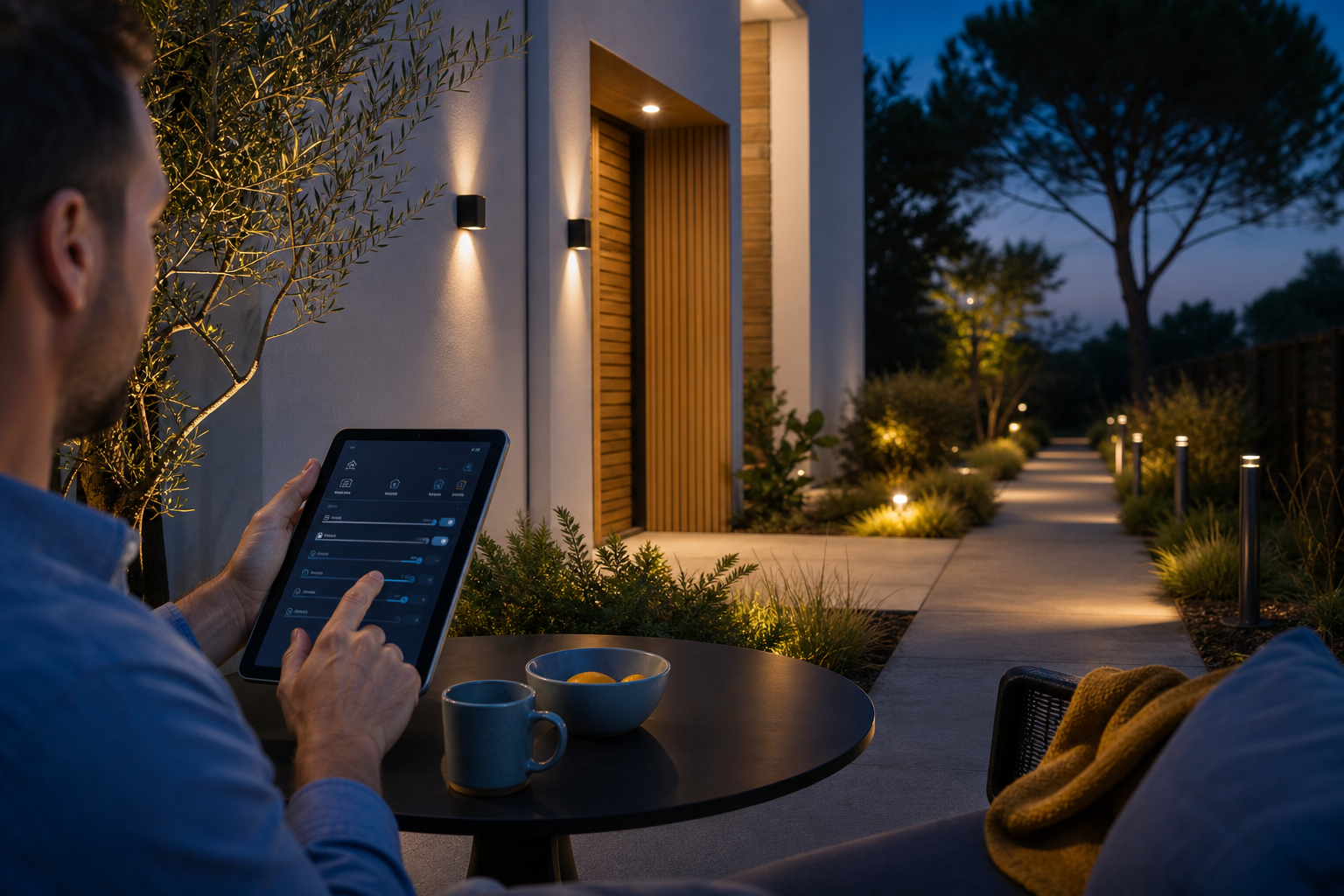
Smart Outdoor Home Lighting — No Cloud, No Subscription Required
It's six p.m. in January. You're standing in a dark driveway, keys in one hand, phone in the other, and the app for controlling your home's outdoor lighting keeps spinning its wheel endlessly — because the home Wi-Fi went down or the manufacturer's server on the other side of the world stopped responding. Sound familiar? Or maybe you know someone who paid for "smart" lamps at the entrance, only to discover a few months later that the "light at dusk" schedule quietly stopped working during a cloud outage. This isn't a hypothetical scenario. During major cloud outages (e.g., AWS), server-dependent devices — like Alexa or Ring — lost automations and control entirely, including scheduled routines such as "lights at sunset," as described by HowToGeek. Three frustrations are common here: dependence on someone else's server, a monthly subscription, and the need for working internet just to turn on a lamp at the gate.
It can be done differently. You can build smart outdoor lighting for your home that works entirely locally — without the cloud, without a subscription, without dependence on someone else's infrastructure — based on Home Assistant running on hardware that sits in your own home. Below you'll find the specifics: how to decide what you really need, which technology fits your property, how much it costs, and how a local system compares to solutions locked inside an app.
Table of contents
- Why cloud-based outdoor lighting fails
- Types of outdoor lighting
- Local vs. cloud vs. subscription
- Technologies and protocols
- Automations that make sense outdoors
- How much it costs and what installation looks like
- Pre-purchase checklist
- Frequently asked questions
Why cloud-based outdoor lighting fails — and what that means for your home
Cloud-based outdoor home lighting has four recurring weak points, and each of them can turn a "smart" system into dead lamps bolted to the wall.
The first is internet outages and manufacturer server failures. When the provider's cloud goes down, automations stop running. Insteon's story illustrates this best: when the company shut down its cloud servers in 2022, roughly 100,000 homes lost hub functionality overnight — lamps and devices stopped working, even though the hardware itself was physically intact. Hardware that people paid for became useless because the service it depended on disappeared. This isn't a single-device malfunction — it's the systemic risk of any architecture built on someone else's server.
The second problem is the hidden expiration date of devices. A 2024 investigation covering 184 products for the smart home found that 89% of them provided no information whatsoever about when support or cloud services would end. In other words: most devices carry an invisible best-before date that the buyer has no idea about. Tech analysts put it bluntly — cloud-dependent homes can "go dumb" overnight when a manufacturer changes its business model or simply shuts down a service. This phenomenon is documented by both Changemakers Publishing and Fast Company, citing examples from Insteon to Revolv, which was acquired by Google and later had its servers shut down. Planned product obsolescence isn't a conspiracy theory here — it's a documented pattern.
The light at your door shouldn't stop working because a server crashed on the other side of the world.
The third point is privacy. Outdoor lamps with motion sensors and cameras that send activity data to external servers reveal exactly what you don't want revealed: when you leave home and when you return. In its "Good Practices for Security of IoT" guidelines, the European cybersecurity agency ENISA recommends strong encryption of all transmitted personal data and architectures based on local storage or minimal data exposure — precisely to limit the risk of surveillance and leaks. Every stream sent outside is a potential attack vector and a potential profile of your habits built without your knowledge.
The fourth is subscription creep. Schedules, geofencing, and notifications increasingly end up behind a monthly fee. A feature that was free yesterday may require a subscription tomorrow, and you have no control over it, because the logic runs on someone else's server.
This article's thesis is simple: local control based on Home Assistant keeps everything in your home. Automations run on hardware sitting behind your wall, so outdoor lighting works even during an internet outage or a manufacturer service shutdown. This is the foundation on which the rest of this text rests.
Types of outdoor lighting — where smart control really pays off
Not every outdoor fixture needs automation. Below are six typical use cases, and for each: what it does, where it works well, and whether local control adds real value or is overkill.
Facade lighting (wall wash / accent) Illuminating the facade builds the building's character and highlights its architecture. Here the greatest value comes from scenes and local dimming — with a single touch you switch between evening, party, and off modes. A motion sensor is unnecessary here; the facade lights up according to schedules and scenes, not on motion detection.
Entrance and driveway lighting Priority: safety and orientation in the dark. Design guidelines point to a total driveway luminous flux on the order of 1,200–2,400 lumens, or individual fixtures of about 100–200 lm each, depending on the layout — as stated by the City Lights SF and PacLights guides. Combining a motion sensor with an astronomical schedule delivers a clear benefit here.
Paths and garden (path lights) Low-voltage, mood-building. Landscape guides recommend 100–200 lumens per fixture, spaced every 1.8–3 m (6–10 feet), to avoid dark spots and glare — according to PacLights and Niche Beverly. Dusk automation is worth the effort here; a motion sensor usually isn't.
Terrace and lounge area Here dimming, color temperature adjustment (warm/cool), and scenes for dinner, party, or cleaning reign supreme. The value of scenes is very high, the value of a motion sensor low — you don't want the light to go out while you sit motionless at the table.
Gate and wicket lighting Event-triggered: gate opening, integration with the intercom. This is a classic high-value event-driven automation — the light comes on exactly when someone drives in or leaves.
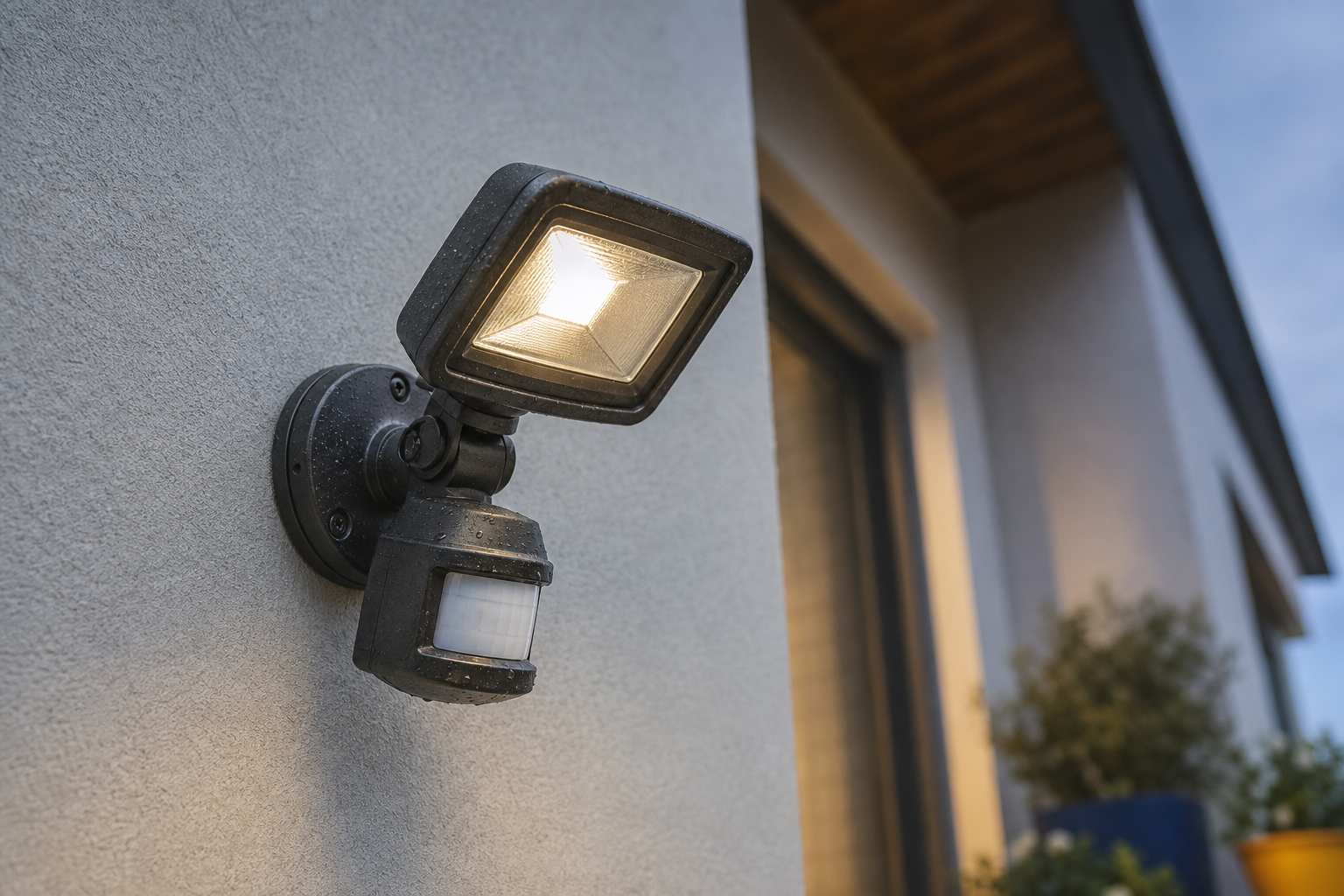
Security floodlights (motion floodlights) Triggered by PIR or linked to a camera. The recommended mounting height is 2.4–3 m (8–10 feet), to cast a wide beam and minimize glare at eye level — as advised by PacLights and Night Owl. It's worth adding a nuance from DarkSky Texas here, though: "brighter" doesn't mean "safer." Warm, low-glare, precisely aimed beams work better than harsh, blinding floodlights that create deep shadows concealing an intruder. It's worth considering a motion-sensor lamp in a smart home here, controlled locally.
One final caveat: lighting alone is not a reliable burglar deterrent. Research reviews yield inconsistent results, as summarized by Jeff Munns Agency and ADT. Lighting works best in combination with cameras and solid locks — treat it as one element of a system, not as the whole of protection.
Local vs. cloud vs. subscription — how to compare control methods
Before choosing hardware, it's worth comparing the three control models against criteria you'll actually feel in everyday use.
| Criterion | Local control (Home Assistant) | Manufacturer cloud | Subscription system |
|---|---|---|---|
| Works without internet | Yes — automations on local hardware | No — server-dependent | No — features behind login |
| Monthly cost | $0 (one-time purchase + installation) | Usually $0, but risk of changes | Recurring fee (subscription) |
| Data privacy | Data stays at home | Data sent externally | Data sent externally |
| Response latency | Minimal (local network) | Depends on connection and server | Depends on connection and server |
| System expansion | High — many brands/protocols | Limited to the ecosystem | Limited to the provider |
| Vendor lock-in | Low | High (risk of service shutdown) | High |
| Brand compatibility | Broad (Zigbee, Z-Wave, wired) | Usually one ecosystem | Usually closed |
The table shows a pattern that's hard to miss: local control wins on every operational criterion. It works without internet, generates no recurring fees, keeps data at home, and reacts with minimal latency, because the signal doesn't make the trip to a server and back. The "vendor lock-in" column isn't an abstraction — it's a concrete cost. The Insteon server shutdown stripped functionality from around 100,000 homes, and the fact that 89% of the 184 products studied don't disclose an end-of-support date means that by buying a cloud system, you're signing up for a risk whose scale you don't know.
To be fair, one trade-off must be acknowledged: a local system has higher initial configuration complexity. You need to select compatible devices, properly configure radio bridges, and build automations. This is a solvable problem, however — professional installation and configuration lift this burden off your shoulders, more on which in the installation process section. That same independence, which requires a one-time effort at the start, is exactly what makes outdoor home lighting work without the cloud and without a subscription when the internet fails.
A system that works without internet also works precisely when you need the internet most.
Technologies and protocols — Zigbee, Z-Wave, Wi-Fi, or wired solutions outdoors
Choosing a protocol outdoors isn't a matter of fashion — it's a matter of range, resistance to conditions, and power reliability. Below is a comparison, followed by a note on sealing and power.
| Protocol / solution | Typical outdoor range | Power | Durability / reliability | Best use case |
|---|---|---|---|---|
| Zigbee (mesh) | up to ~300 m line of sight | Mains / battery | High in a mesh network | Garden, paths, many fixtures |
| Z-Wave (mesh) | ~100 m per hop, ~200 m at 4 hops | Mains / battery | High, less interference | Medium properties |
| Z-Wave Long Range (LR) | ~1–1.6 km line of sight | Mains / battery | Very high, no repeaters | Large properties, perimeter |
| Wi-Fi | Depends on router/AP | Mains | Depends on network load | Single points near the AP |
| Wired / relay (e.g., Shelly) | No radio limitations | Mains 230 V / 12 V | Highest | Fixed fixtures, facade, gate |
Outdoor range. Zigbee typically reaches about 300 m line of sight outdoors, and 10–100 m indoors, with the range extended by repeaters in a mesh network — confirmed by Reolink, Aqara, and Owon-Smart. Standard Z-Wave delivers about 100 m per hop, and with a maximum of 4 hops, about 200 m of total range in a well-designed network, as documented by Hubitat and the Z-Wave Alliance. Z-Wave Long Range, on the other hand, reaches about 1–1.6 km line of sight, making it suitable for perimeter lighting on large plots without the need to set up repeaters — as stated by Silicon Labs and the Z-Wave Alliance.
Why mesh matters outdoors. Walls, distance, and weather attenuate the radio signal. A mesh network self-heals and extends range along the driveway or across the entire garden — if one fixture drops out, the signal finds another route. This is the difference between a system that works reliably and one that loses commands at the more distant lamps.
Resistance to conditions (IP rating). The EN/IEC 60529 standard (IP Code) defines degrees of protection against dust and water. IP65 means full dust-tightness and resistance to low-pressure water jets — and is the recommended minimum for exposed outdoor fixtures, as confirmed by Sentera and lighting manufacturer guides. For fixtures mounted at ground level or in places where water collects, it's worth moving up to IP67, protecting against temporary submersion. Separately, it's worth keeping in mind the EN/IEC 60598-2-3 standard, which regulates the safety and parameters of street and outdoor luminaires, including mounting height and electrical safety up to 1,000 V.
Power. Fixed facade and gate fixtures are best powered by wiring from 230 V or low-voltage 12 V through a locally controlled relay. Sensor points, where placement flexibility matters, can run on battery.
Brand verification. Set Smart Home works exclusively with device brands verified for compatibility with Home Assistant. Outdoors, brand verification is especially important — radio reliability and sealing quality differ dramatically between manufacturers, and a mistake only shows up during the first serious downpour or frost. Where integrating Wi-Fi devices locally with Home Assistant makes sense, we also apply the same verification principle.
Automations that actually make sense outside the home
Automation has value only when it works reliably — and reliability begins with the logic running locally. Smart home practitioner Sam Akroyd, author of "Smart Lighting in Home Assistant," shows that Home Assistant can use local sunrise and sunset data and motion sensors to control outdoor sockets and garden lighting without the cloud — with automations that turn on the light only when motion is detected and it's dark. Here are six recipes that work in practice.
- Dusk/dawn (sunset/sunrise). A local astronomical calendar calculated on the device, without the cloud. Lights come on at dusk and turn off at dawn — the date and time are computed on-site, so the schedule doesn't depend on any external server.
- Motion sensor at the entrance → light. The floodlight activates only when motion is detected and it's dark, which eliminates unnecessary triggering during the day. An optional notification can be sent over the local network (LAN), without going through the cloud.
- Gate opening → driveway lighting for X minutes. An event-triggered automation, integrated with the intercom or reed switch. You drive in, the driveway lights up, and after a set time it turns off — without touching your phone.
- Presence simulation during absence. Randomly switching fixtures builds the impression of occupancy. Remember, however, that light alone is not a reliable deterrent — combine it with cameras and solid locks.
- Terrace scenes (dinner / party / cleaning). One touch sets the brightness and color temperature of the entire group of fixtures. You switch the terrace mood as quickly as you change a channel.
- Integration with cameras locally. Person detection triggers the floodlight, while recordings and processing stay at home — in line with ENISA's recommendations on local data storage and minimal exposure.
The key point is that each of these six triggers runs on local hardware. Thanks to this, all of your outdoor home lighting also works during an internet outage — there's no moment when a command must leave your network for a lamp to turn on.
How much it costs and what outdoor lighting installation looks like step by step
Outdoor lighting installation in the local model proceeds in five consecutive steps. Each of them is tied here directly to the specifics of an outdoor installation.
Step 1: Free consultation and property assessment. It starts with assessing the size of the plot, which translates directly into the choice of protocol — for large properties, Z-Wave LR with a range of about 1–1.6 km without repeaters is the natural candidate. We check the existing wiring and establish lighting goals: where it should be safer, where more beautiful, where more convenient.
Step 2: Device selection. We choose brands verified for compatibility with Home Assistant, with the right IP rating (minimum IP65, IP67 for ground-level fixtures) and appropriate luminous flux — paths 100–200 lm per fixture, driveway 1,200–2,400 lm total. Also important is the LED operating temperature range suited to Polish winters. Typical outdoor LEDs and drivers are specified from –40°C to +60–105°C, as confirmed by ZGSM and Ledrise, but parameters degrade if you exceed the manufacturer's limits — which is why good cooling and the right power supplies matter.
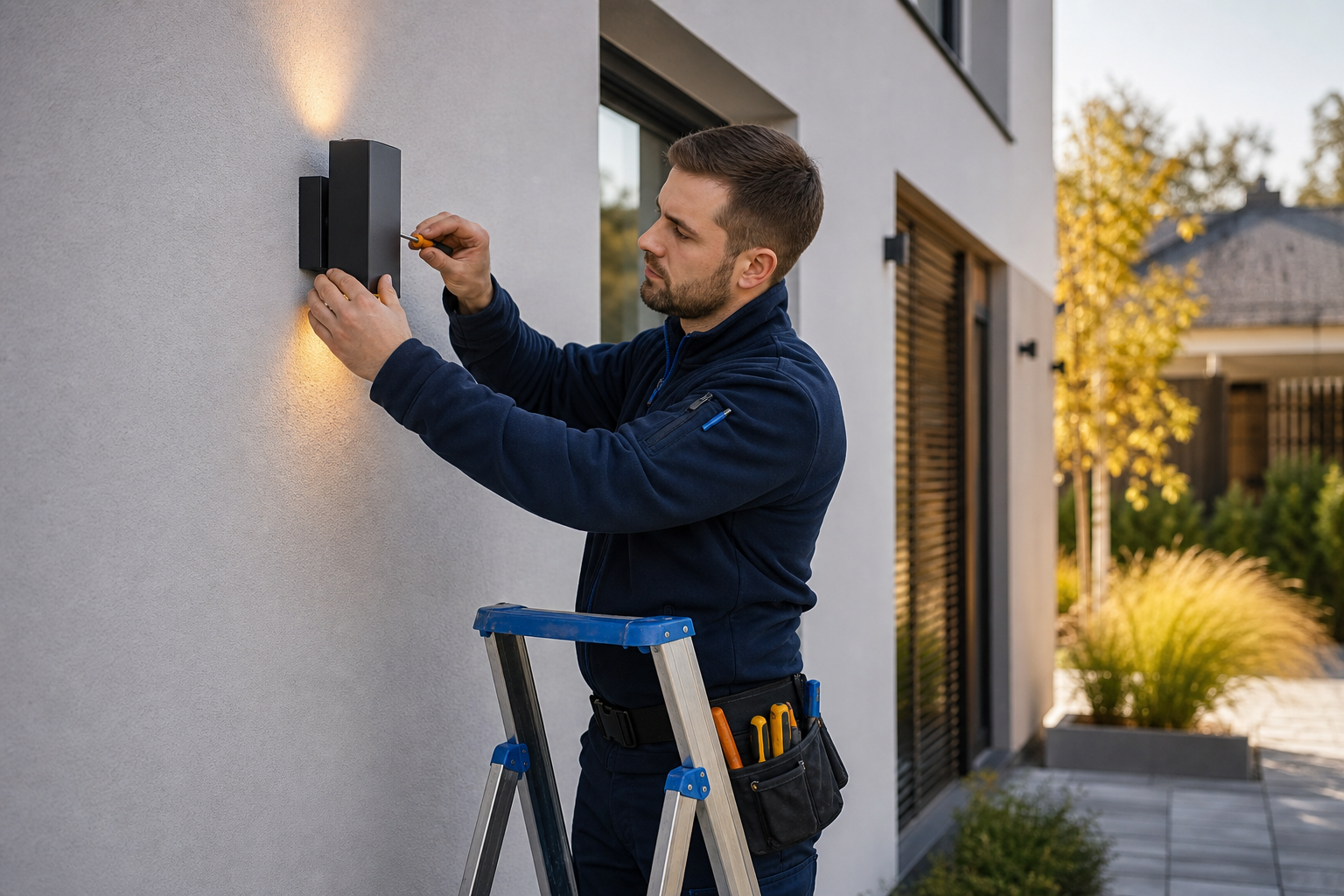
Step 3: Same-day installation. Professional mounting at correct heights — floodlights at 2.4–3 m — and safe wiring compliant with the standard for outdoor luminaires (EN/IEC 60598-2-3, covering electrical safety up to 1,000 V).
Step 4: In-person training. A hands-on walkthrough of scenes and automations, so household members actually use them rather than leaving a great system in its default settings.
Step 5: Optional remote support. Help when you need it, without cloud dependence and without vendor lock-in.
As for cost, the honest framing is comparative. A local system is a one-time cost of hardware and installation, after which you pay nothing more — zero recurring fees. Cloud and subscription solutions tempt with a lower entry threshold, but they introduce a recurring cost and the risk of sudden product obsolescence, whose price you already learned from the Insteon example: hardware physically functional yet useless once the service is shut down. We don't give specific figures here, because every property is different — but the structural difference is constant: paid once and yours, versus paid endlessly and dependent on someone else's decision.
Your pre-purchase checklist for smart outdoor lighting
Take these nine questions with you to the store or to a consultation. Each has one "good" answer, based on the specific numbers from this article.
- Does the system work fully without internet? — Automations must run on local hardware (Home Assistant), not on the manufacturer's server.
- Are there any subscription fees? — Aim for a one-time cost and zero recurring fees.
- Where is the data stored? — Locally at home, in line with ENISA's recommendations on minimal data exposure.
- What IP rating do the fixtures and sensors have? — Minimum IP65 for wall-mounted fixtures, IP67 for ground-level mounting.
- Will the LED temperature range withstand a Polish winter? — Fixtures rated at least down to –20°C (typical outdoor LEDs: –40°C to +60–105°C), with frosts reaching –20°C and below in mind — and in some regions even around –29°C has been recorded.
- Does the protocol fit the size of the property? — Small plot: Zigbee or Z-Wave; large: Z-Wave LR (~1–1.6 km) or wired solutions.
- Do the fixtures provide the right brightness? — Paths 100–200 lm per fixture every 1.8–3 m; driveway 1,200–2,400 lm total.
- Are the devices verified for compatibility with Home Assistant? — An unverified brand is an unknown both in terms of reliability and sealing.
- Do you get in-person training and post-installation support? — A system you can't operate delivers no value.
If you want outdoor home lighting that passes all nine points, book a free consultation and let's walk through your property together.
Frequently asked questions about smart outdoor lighting
Will my home's outdoor lighting work during an internet outage? Yes. Automations such as dusk/dawn or motion-sensor response run locally on Home Assistant, so the light works even when there's no connection. This is a fundamental difference from cloud systems, which can lose functions entirely during a server outage — vividly demonstrated by the roughly 100,000 homes that lost functionality after the Insteon servers were shut down. In practice, this means that with a local system, an internet provider outage affects your entertainment, not your safety.
Do I need a subscription to use automations? No. Automations run locally, and the cost is one-time — hardware plus installation. There are no recurring fees, unlike competing subscription models. It's worth remembering that no subscription means not only monthly savings but also independence from the risk of sudden product obsolescence — a service you don't pay for monthly can't be taken away from you by a provider's pricing change.
Can existing outdoor fixtures be integrated, or does everything need replacing? Many existing 230 V or 12 V fixtures can be brought under local control using a smart relay (e.g., Shelly) instead of a full replacement — as shown by practical guides on connecting 12 V garden spotlights through a locally controlled relay with Home Assistant automations. Worth replacing are primarily fixtures with insufficient IP rating and "smart" fixtures from unverified brands whose reliability can't be guaranteed. The rest often stays in place, gaining only a local brain.
How does the system cope with the Polish winter and moisture? Two parameters are key: sealing and temperature. Choose IP65+ (IP67 at ground level) and LEDs and power supplies suited to frost. Outdoor LEDs are usually specified from –40°C to +60–105°C, and Polish cold spells can drop to –20°C or below, with records reaching around –29°C — which is why the operating temperature range is not a detail but a condition of reliability. Well-chosen hardware gets through winter without flickering, signal loss, or reduced lifespan.